Sharp AR-810 Instrukcja Użytkownika Strona 12

  • Pobierz
  • Dodaj do moich podręczników
  • Drukuj
  • Strona
    / 101
  • Spis treści
  • BOOKMARKI
  • Oceniono. / 5. Na podstawie oceny klientów
Przeglądanie stron 11
AR-651/810 TROUBLE SHOOTING 5 - 12
[EB5] Paper left on the transport path
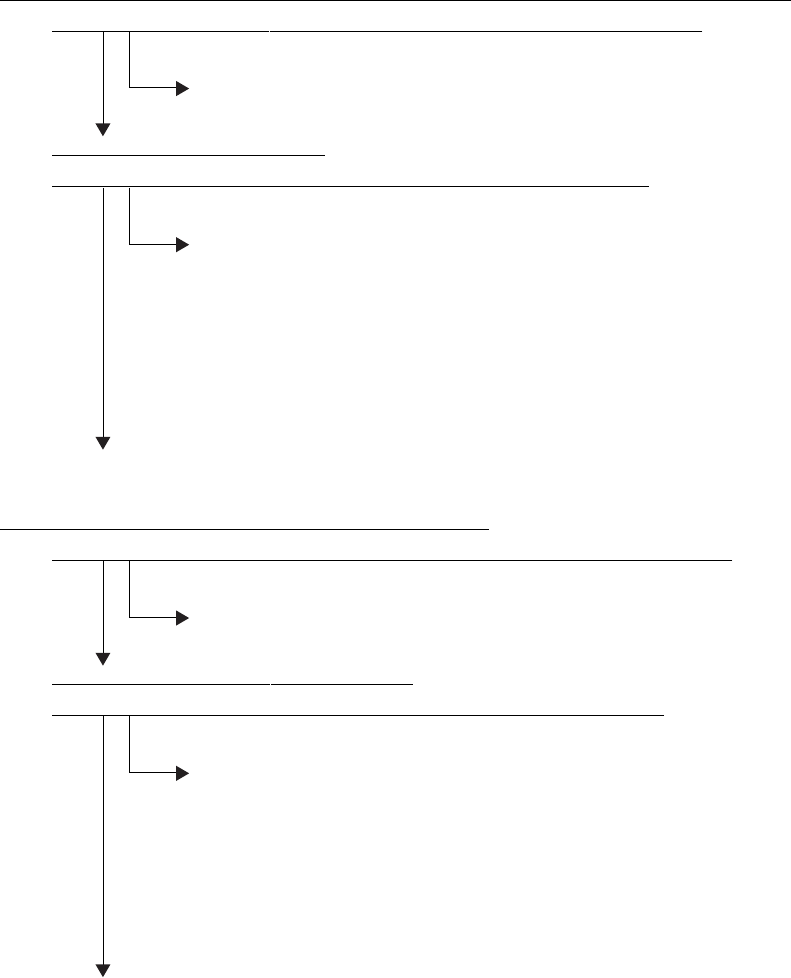
In case an paper is fed from the 1st cassette, bypass feed unit or reversed paper transport section:
Open the bypass unit cover. Is there any paper in front of the registration sensor?
YES
Remove the paper.
NO
Is the registration sensor working?
(Perform the input check in the test mode: 03-[ENERGY SAVER]ON/[4]/[E)
NO
1. Check if the connector of the registration sensor is disconnected.
2. Check if the connector J341 on the LGC board is disconnected.
3. Check if the connector pins are disconnected and the harnesses are open-circuited.
4. Check if the conductor pattern on the LGC board is shor t- or open-circuited.
5. Replace the registration sensor.
6. Replace the LGC board.
YES
Check the rollers. Replace them if they are worn out.
In case an paper is fed from the 2nd, 3rd, 4th or tandem LCF:
Open the feed cover. Is there any paper in front of the 1st cassette transport sensor?
YES
Remove the paper.
NO
Is the 1st cassette transport sensor working?
(Perform the input check in the test mode: 03-[ENERGY SAVER]OFF/[2]/[B])
NO
1. Check if the connector of the 1st cassette transpor t sensor is disconnected.
2. Check if the connector J329 on the LGC board is disconnected.
3. Check if the connector pins are disconnected and the harnesses are open-circuited.
4. Check if the conductor pattern on the LGC board is shor t- or open-circuited.
5. Replace the 1st cassette transpor t sensor.
6. Replace the LGC board.
YES
Check the rollers. Replace them if they are worn out.
Przeglądanie stron 11
1 2 ... 7 8 9 10 11 12 13 14 15 16 17 ... 100 101

Komentarze do niniejszej Instrukcji

Brak uwag