Sharp PG-M20XL Instrukcja Użytkownika Strona 36
- Strona / 66
- Spis treści
- BOOKMARKI

- User Manual 1
- Published by 2
- D-33094 Paderborn 2
- Printed in Singapore 2
- Contents 5
- Introduction 8
- Advantages at a Glance 9
- About this Manual 10
- BA72A Components 11
- LCD- Controller-A TFT/PCI 12
- TFT-Controller-A 13
- Protective Noise Shield 16
- Conductive Coating 16
- ClearTek Glass Overcoat 16
- Loudness ( 17
- Brightness (- +) 17
- COM Board 18
- LCD-TFT Adapter A-MediaGXm 26
- LCD-TFT Adapter A-Celeron 27
- Touch Screen 29
- Securing into Place 30
- Adjustable Screen Angle 32
- Ergonomic Terminal Workplace 33
- Installation 34
- Metal tracks 35
- Speaker connector 35
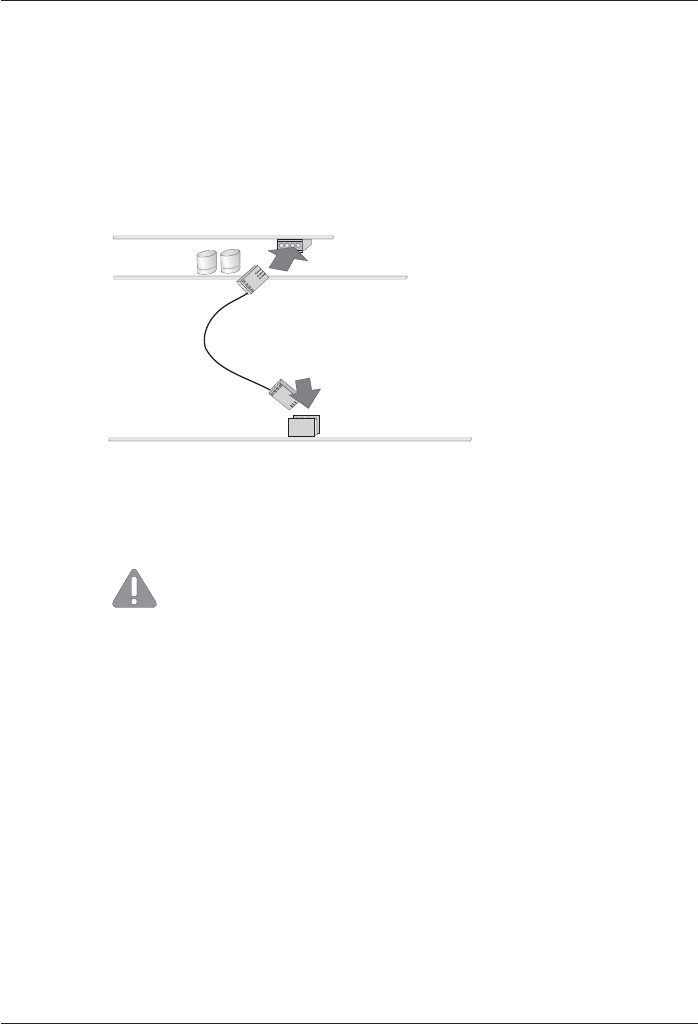
- Connecting the speaker cable 36
- Back of the BEETLE /XL 37
- CD-AUDIO 41
- TFT-Adapter 43
- Submodul 44
- Inserting the Cable 45
- Software Installation 47
- Software Interfaces 48
- Assignments 49
- Interface 50
- Touch Screen and Controller 50
- Pin Assignments 51
- ControllerPin Assignments 52
- Technical Data 55
- TFT/ LCD Screen 56
- Current Consumption 58
- Power Consumption 58
- LCD-Controller-A TFT/PCI 59
- General Authorization 61
- FCC-Class A Declaration 61
- Tested Safety 62
- User Information 62
- Safety Instructions 63
- Instructions for Maintenance 64
- Warranty 64
- Recycling 64
- Appendix 66
Powiązane produkty i podręczniki dla Projektory Sharp PG-M20XL
 (75 strony)
 (77 strony)
 (75 strony)
 (8 strony)
(106 strony)
(12 strony)
(57 strony)
(8 strony)
(106 strony)
(12 strony)
(57 strony)
© 2020, manymanuals.pl. Wszelkie prawa zastrzeżone. | 0.047 s |
 Manymanuals.com
 Manymanuals.de
 Manymanuals.fr
 Manymanuals.it
 Manymanuals.pl
 Manymanuals.cz
 Manymanuals.es
 Manymanuals-pt.com
Komentarze do niniejszej Instrukcji