Sharp MX-6201N Dokumentacja Strona 13
- Strona / 116
- Spis treści
- BOOKMARKI

- Printed manuals 2
- Manuals in PDF format 3
- Opening the Web pages 4
- Checking the IP address 4
- TABLE OF CONTENTS 6
- Scanning 7
- General information 9
- PART NAMES AND FUNCTIONS 10
- Interior 11
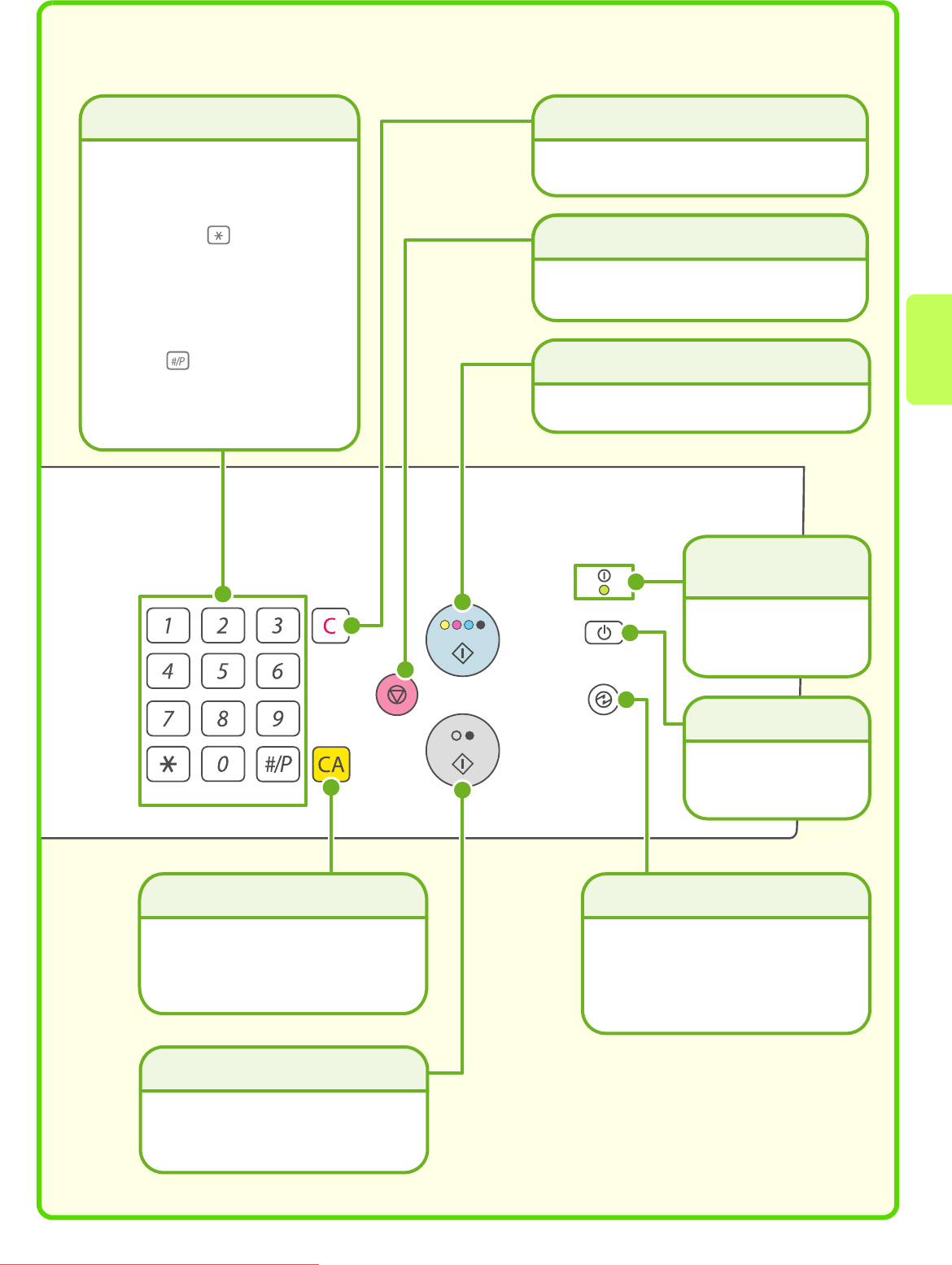
- OPERATION PANEL 12
- [#/P] key ( ) 13
- USING THE TOUCH PANEL 14
- USER AUTHENTICATION 15
- HOME SCREEN 16
- PLACING ORIGINALS 17
- CHANGING PAPER IN A TRAY 18
- Loading paper in a tray 19
- Changing the tray settings 20
- Loading paper in other trays 21
- Bypass tray 22
- Large capacity tray 23
- Paper table 24
- BASE SCREEN OF COPY MODE 26
- MAKING COPIES 27
- 2-SIDED COPYING 28
- (Automatic Document Feeder) 28
- COPYING ON SPECIAL PAPER 29
- (Bypass Copy) 29
- Selecting a tray 30
- 3 Set the number of copies 34
- ENLARGEMENT/REDUCTION 35
- (Preset Ratios / Zoom) 35
- INTERRUPTING A COPY RUN 37
- (Interrupt Copy) 37
- Storing a job program 38
- Using a job program 38
- Deleting a job program 39
- SPECIAL MODES 40
- SELECTING A SPECIAL MODE 41
- CONVENIENT COPY FUNCTIONS 42
- Original Tab paper 44
- CONFIDENTIAL 45
- Green G+ 46
- Background) 47
- Original) 48
- Printing 49
- PRINTING 50
- 3 Select print settings 51
- 4 Click the [Print] button 51
- Using printer driver help 52
- Setting the paper size 53
- Macintosh 53
- 2 Select paper settings 54
- Printing a file 55
- MAC OS 9 56
- JOB STATUS 57
- SELECTING PRINT SETTINGS 58
- CONVENIENT PRINTER FUNCTIONS 60
- BASE SCREEN OF FAX MODE 64
- SENDING A FAX 65
- CHANGING THE SIZE OF A FAX 66
- Correct a mistake 67
- Cancel scanning 67
- CHANGING THE EXPOSURE 68
- CHANGING THE RESOLUTION 69
- STORING A FAX NUMBER 70
- Storing a group key 72
- [OK] key 75
- FORWARDING RECEIVED FAXES 76
- (Fax Data Forward) 76
- CONVENIENT DIALLING METHODS 77
- Resending 78
- Speed dialling 78
- Dialling using the speaker 79
- SPECIAL FAX MODES 80
- CONVENIENT FAX FUNCTIONS 82
- Transmission 83
- NETWORK SCANNER FUNCTION 86
- BASE SCREEN OF SCAN MODE 87
- SCANNING AN ORIGINAL 88
- CHANGING THE EXPOSURE AND 89
- ORIGINAL IMAGE TYPE 89
- CHANGING THE FILE FORMAT 91
- STORING A DESTINATION 92
- One-touch key 96
- Search number sending 97
- SPECIAL SCAN MODES 98
- CONVENIENT SCANNER FUNCTIONS 100
- Document filing 103
- DOCUMENT FILING 104
- 1 Place the originals 106
- APPENDING INFORMATION WHEN 107
- STORING A FILE (File) 107
- START] key 108
- (Scan to HDD) 109
- SAVING A DOCUMENT ONLY 109
- PRINTING A SAVED FILE 110
- System settings 111
- SYSTEM SETTINGS 112
- Please note 115
- Quick Start Guide 116
Powiązane produkty i podręczniki dla Urządzenia wielofunkcyjne Sharp MX-6201N
 (20 strony)
 (162 strony)
(167 strony)
(112 strony)
(116 strony)
(162 strony)
(167 strony)
(112 strony)
(116 strony)
 (108 strony)
 (48 strony)
© 2020, manymanuals.pl. Wszelkie prawa zastrzeżone. | 0.035 s |
 Manymanuals.com
 Manymanuals.de
 Manymanuals.fr
 Manymanuals.it
 Manymanuals.pl
 Manymanuals.cz
 Manymanuals.es
 Manymanuals-pt.com
Komentarze do niniejszej Instrukcji