Electric Shock Prevention
Fire Prevention
This section is specifically about safety matters
Do not attempt to install, operate, maintain or inspect the inverter until you have read through this Installation Guideline and appended
documents carefully and can use the equipment correctly. Do not use the inverter until you have a full knowledge of the equipment,
safety information and instructions.
Installation, operation, maintenance and inspection must be performed by qualified personnel. Here, qualified personnel means person-
nel who meets all the conditions below.
A person who took a proper engineering training. Please note if you can take a proper engineering training at your local Mitsubishi Electric
office. Such training may be available at your local Mitsubishi Electric office. Contact your local sales office for schedules and locations.
A person who can access operating manuals for the protective devices (e.g. light curtain) connected to the safety control system.
A person who has read and familiarized himself/herself with the manuals.
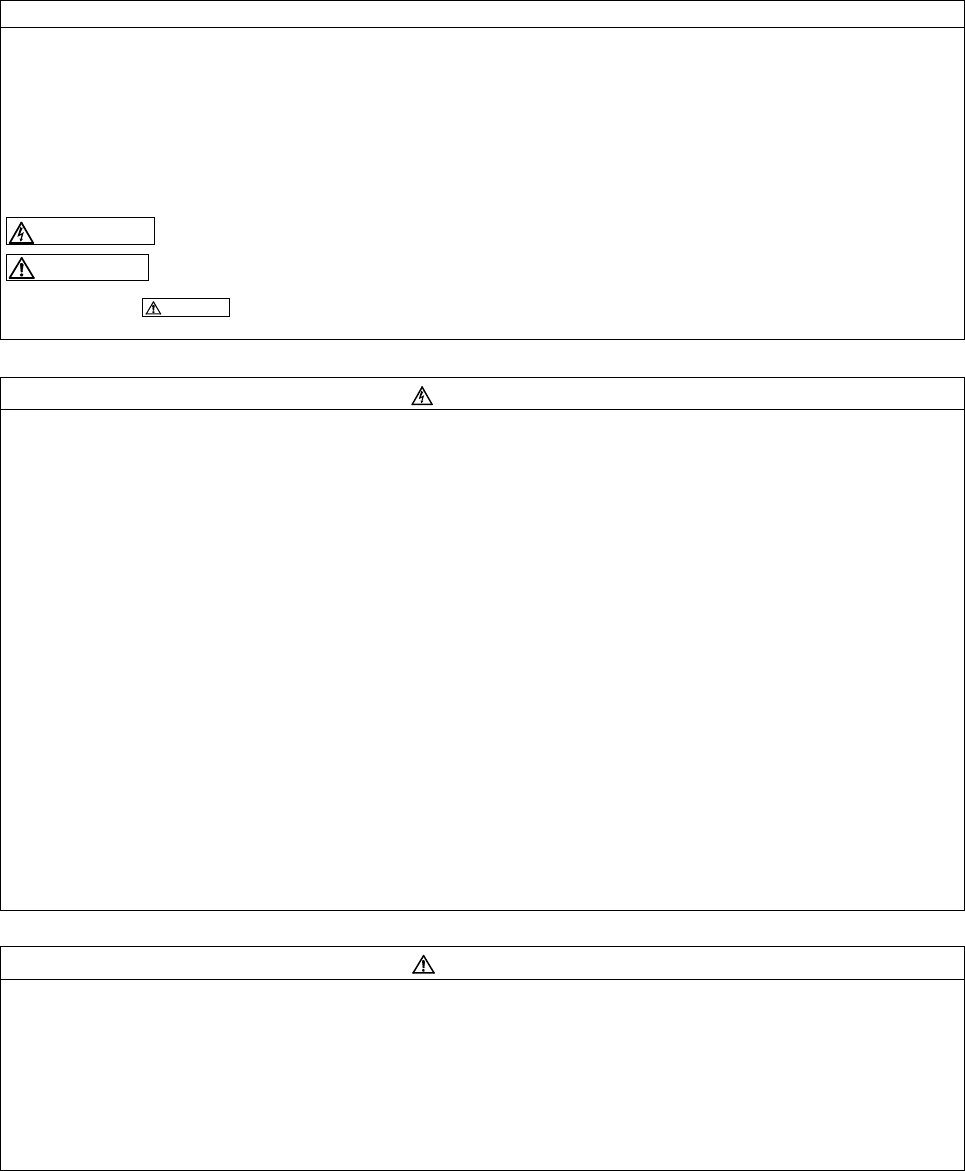
In this Installation Guideline, the safety instruction levels are classified into "WARNING" and "CAUTION".
Assumes that incorrect handling may cause hazardous conditions, resulting in death or severe injury.
Assumes that incorrect handling may cause hazardous conditions, resulting in medium or slight injury, or may
cause physical damage only.
Note that even the level may lead to a serious consequence according to conditions. Please follow strictly the instructions
of both levels because they are important to personnel safety.
While power is on or when the inverter is running, do not open the front cover. Otherwise you may get an electric shock.
Do not run the inverter with the front cover removed. Otherwise, you may access the exposed high-voltage terminals or the charging part
of the circuitry and get an electric shock.
Even if power is off, do not remove the front cover except for wiring or periodic inspection.You may access the charged inverter circuits
and get an electric shock.
Before starting wiring or inspection, check to make sure that the operation panel indicator is off, wait for at least 10 minutes after the power
supply has been switched off, and check that there are no residual voltage using a tester or the like. The capacitor is charged with high
voltage for some time after power off and it is dangerous.
This inverter must be earthed. Earthing must conform to the requirements of national and local safety regulations and electrical codes
(JIS, NEC section 250, IEC 536 class 1 and other applicable standards). A neutral-point earthed power supply for 400V class inverter in
compliance with EN standard must be used.
Any person who is involved in the wiring or inspection of this equipment should be fully competent to do the work.
Always install the inverter before wiring. Otherwise, you may get an electric shock or be injured.
If your application requires by installation standards an RCD (residual current device) as up stream protection please select according to
DIN VDE 0100-530 as following:
Single phase inverter type A or B
Three phase inverter only type B
(Additional instructions on the use of a residual current device are contained on page 57.)
Perform setting dial and key operations with dry hands to prevent an electric shock. Otherwise you may get an electric shock.
Do not subject the cables to scratches, excessive stress, heavy loads or pinching. Otherwise you may get an electric shock.
Do not replace the cooling fan while power is on. It is dangerous to replace the cooling fan while power is on.
Do not touch the printed circuit board or handle the cables with wet hands. You may get an electric shock.
Standard models and IP55 compatible models only: When measuring the main circuit capacitor capacity, the DC voltage is applied to the
motor for 1s at powering OFF. Never touch the motor terminal, etc. right after powering OFF to prevent an electric shock.
A PM motor is a synchronous motor with high-performance magnets embedded in the rotor. Motor terminals holds high-voltage while the
motor is running even after the inverter power is turned OFF. Before wiring or inspection, the motor must be confirmed to be stopped. In
an application, such as fan and blower, where the motor is driven by the load, a low-voltage manual motor starter must be connected at
the inverter's output side, and wiring and inspection must be performed while the motor starter is open. Otherwise you may get an electric
shock.
Mount the inverter to incombustible material. Install the inverter on a nonflammable wall without holes (so that nobody can touch the
inverter heatsink on the rear side, etc.). Mounting it to or near combustible material can cause a fire.
If the inverter has become faulty, switch off the inverter power. A continuous flow of large current could cause a fire.
When using a brake resistor, a sequence that will turn OFF power when a fault signal is output must be configured. Otherwise the
brake resistor may excessively overheat due to damage of the brake transistor and such, causing a fire.
Do not connect a resistor directly to the DC terminals P/+, N/–. This could cause a fire and destroy the inverter. The surface temperature
of braking resistors can far exceed 100 °C for brief periods. Make sure that there is adequate protection against accidental contact and a
safe distance is maintained to other units and system parts.
R
esistors cannot be used for FR-A842 (separated converter type) and FR-A846 (IP55 compatible models).
Be sure to perform daily and periodic inspections as specified in the Instruction Manual. If a product is used without any inspection, a
burst, breakage, or a fire may occur.

 (114 strony)

 (160 strony)
 (33 strony)
 Manymanuals.com
 Manymanuals.de
 Manymanuals.fr
 Manymanuals.it
 Manymanuals.pl
 Manymanuals.cz
 Manymanuals.es
 Manymanuals-pt.com
Komentarze do niniejszej Instrukcji