Sharp MX-4101N Instrukcja Konfiguracji Strona 29
- Strona / 45
- Spis treści
- ROZWIĄZYWANIE PROBLEMÓW
- BOOKMARKI

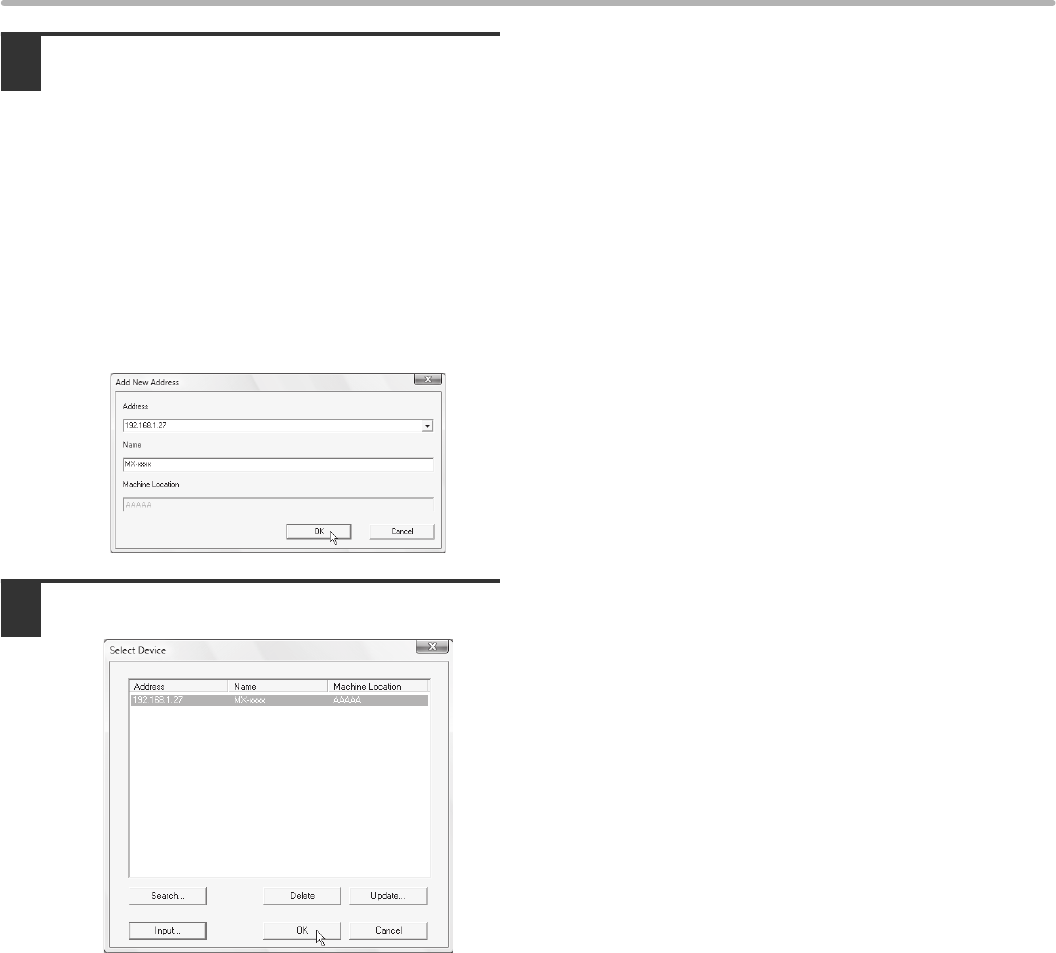
- Software Setup Guide 1
- SOFTWARE LICENSE 2
- TABLE OF CONTENTS 3
- BEFORE INSTALLING THE 4
- SOFTWARE 4
- OTHER CD-ROMS 5
- VERIFYING SYSTEM REQUIREMENTS 6
- SOFTWARE REQUIREMENTS 7
- CONNECTING THE MACHINE 8
- SETUP IN A WINDOWS 9
- PC-FAX DRIVER 10
- X Advanced installation 13
- [Next] button 18
- USB CABLE 19
- ☞ CHANGING THE PORT (page 29) 22
- (2) Click the [Next] button 23
- (2) Select [Properties] 24
- (2) Click the [OK] button 25
- INSTALLING THE SCANNER DRIVER 28
- [OK] button 29
- Click the [OK] button 29
- CHANGING THE PORT 31
- (4) Click the [OK] button 32
- (1) Select [LPR] 33
- (2) Enter [lp] 33
- (3) Click the [OK] button 33
- SETUP IN A MACINTOSH 34
- ENVIRONMENT 34
- MAC OS X 35
- Configure the printer driver 36
- Display printer information 37
- MAC OS 9.0 - 9.2.2 39
- TROUBLESHOOTING 41
- REMOVING THE SOFTWARE 44
- SSG-EX-ZZ 45
Powiązane produkty i podręczniki dla Kopiarki Sharp MX-4101N
 (12 strony)
(48 strony)
(12 strony)
(48 strony)
 (80 strony)
(92 strony)
(188 strony)
(12 strony)
(116 strony)
(12 strony)
(4 strony)
(31 strony)
(28 strony)
(50 strony)
(12 strony)
(10 strony)
(78 strony)
(12 strony)
(80 strony)
(92 strony)
(188 strony)
(12 strony)
(116 strony)
(12 strony)
(4 strony)
(31 strony)
(28 strony)
(50 strony)
(12 strony)
(10 strony)
(78 strony)
(12 strony)
© 2020, manymanuals.pl. Wszelkie prawa zastrzeżone. | 0.028 s |
 Manymanuals.com
 Manymanuals.de
 Manymanuals.fr
 Manymanuals.it
 Manymanuals.pl
 Manymanuals.cz
 Manymanuals.es
 Manymanuals-pt.com
Komentarze do niniejszej Instrukcji