As a colour network scanner the
MX-C382SC really is in a class of its
own. It’s capable of handling up to
50 originals per minute (both single-
and double-sided) and comes with a
100-sheet Document Feeder for taking
on large jobs. Useful features such as
automatically skipping blank pages
and a one-touch Scan to Me (via email)
feature make life easier, and you’re not
limited to ordinary documents either.
You can scan both sides of business
cards, plastic cards, cheques, and
more, and instantly send them to a
wide choice of destinations including
email, internal hard drive, USB memory
stick, PC desktop, FTP or fi le server.
And if you scan to your PC, Sharpdesk
document management software
will let you store and manage fi les of
virtually any format, and even combine
them into new multipage documents.
Today your whole team can benefi t from a wide array of
sophisticated scanning functions at an affordable price and
without wasting valuable offi ce space. What’s more, you get
Giving you the edge in scanning
Until now, if you wanted an MFP with truly advanced, full colour
network scanning capabilities you had to buy a high-end A3
machine. But Sharp has changed the rules with the new
MX-C382SC A4 multifunction system.
A class of its own
38 pages-per-minute high quality printing and copying, and
a wide choice of extra value options in a compact, versatile
A4 colour MFP.
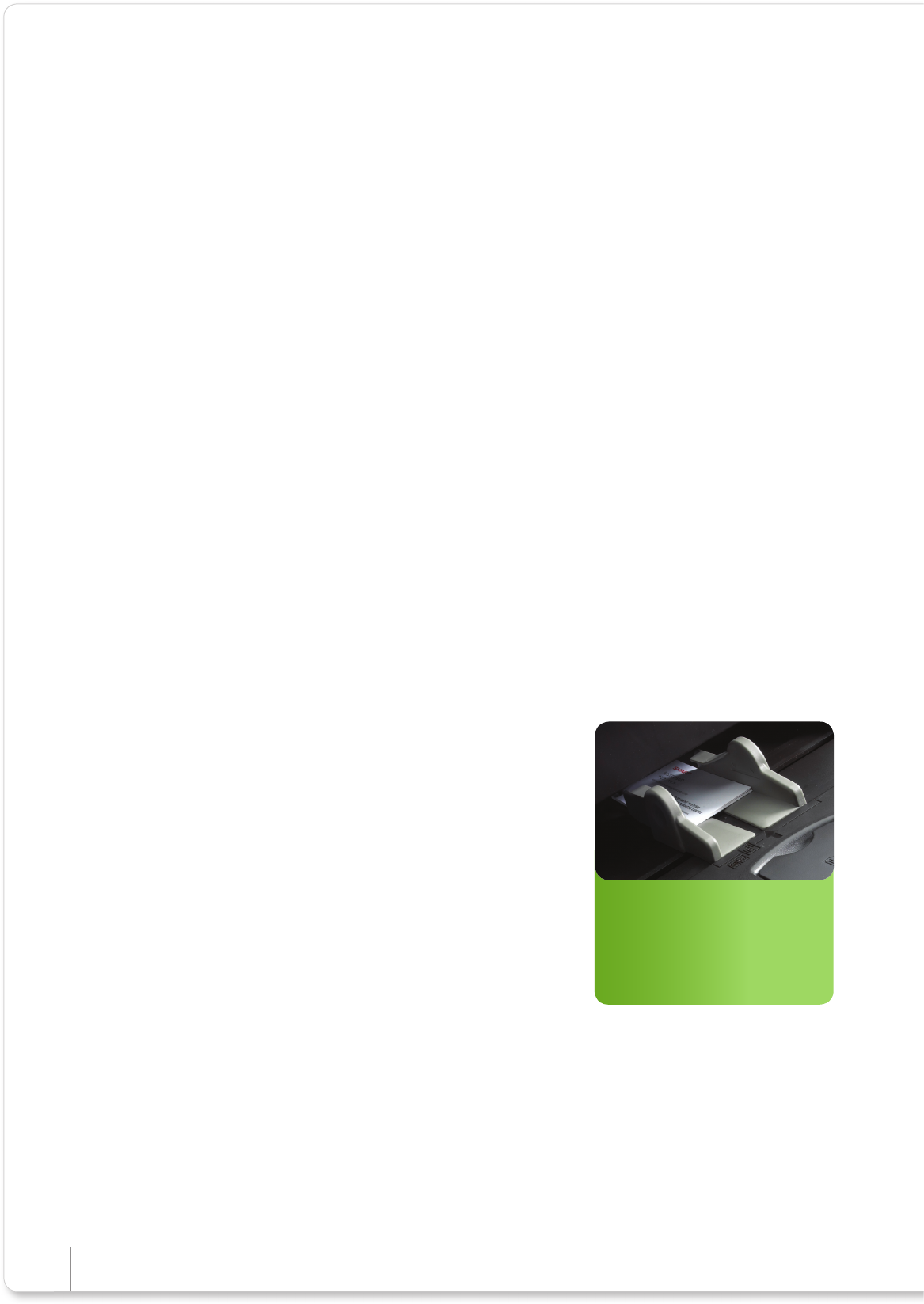
Capture and store data:
Document Feeder can scan a
variety of media** ranging from
51-74 x 85-105 mm.
*Letter/Legal, A4, A5 only
**Plastic card: must be 0.1 - 0.84 mm thick.
Extra value scanning features
• 8 Card Layout: create multiple paper
copies of business/ID cards on a
single sheet.
• Card Shot: copy both sides of a card,
such as an ID card or licence, on to a
single page in a one-touch operation.
• Scan to Print: advanced image
processing for accurate colour
reproduction.
• Colour (RGB) Dropout scanning:
deletes a selected colour to improve
clarity of text.
• Automatic Page Size* scan detection:
different size documents can be
scanned together.
Sharp I MX-C382SC I Full Colour A4 MFP
Komentarze do niniejszej Instrukcji