Sharp BD-HP22U Dokumentacja
Przeglądaj online lub pobierz Dokumentacja dla Telewizory i monitory Sharp BD-HP22U. Sharp BD-HP22U Specifications Instrukcja obsługi
- Strona / 55
- Spis treści
- ROZWIĄZYWANIE PROBLEMÓW
- BOOKMARKI

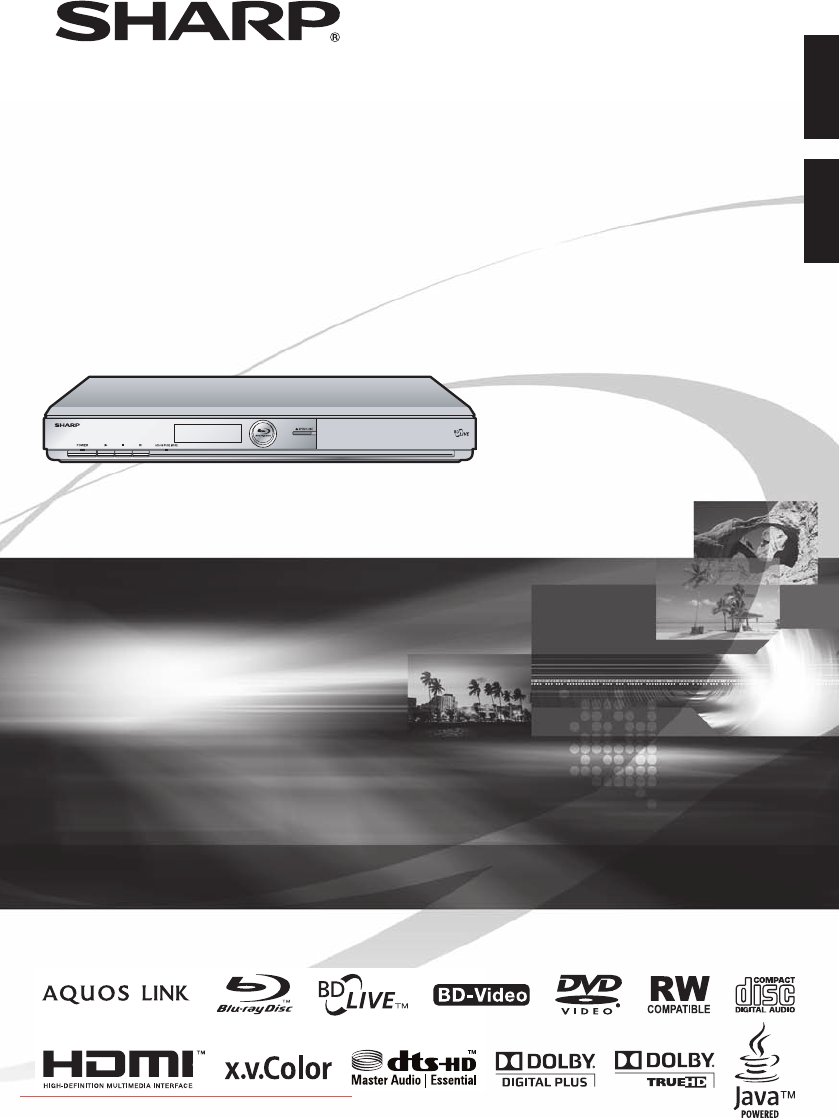
- BD-HP22U 1
- OPERATION MANUAL 3
- Contents 4
- IMPORTANT SAFETY INSTRUCTIONS 6
- About Discs 8
- About the JPEG file format 9
- About Disc Contents 10
- ENERGY STAR 11
- Program Information 11
- Getting Started 12
- Major Components 13
- Remote Control Unit 14
- Introduction to Connections 15
- Video Connections 16
- Connecting to the Video Jack 18
- Audio Connections 19
- Broadband Internet Connection 20
- Before Starting Playback 21
- Turning the Power On 22
- Turning the power on 22
- Entering standby 22
- Indicators on the Player 22
- BD/DVD/CD Playback 25
- DVD-R/-RW/BD-RE/-R Playback 28
- Playback by selecting a title 28
- Resume playback function 30
- Playback Functions 31
- DVD VIDEO 32
- JPEG File Playback 34
- Settings During Playback 35
- Functions which can be set 36
- SETTINGS 37
- Audio Video Settings 38
- Quick Start 39
- Auto Power Off 39
- AQUOS LINK 39
- Front Display/LED 40
- System Reset 40
- Playback Setting 40
- Input character list 43
- Country Code List 46
- Language List 46
- Language Code List 46
- Troubleshooting 47
- On-screen Error Messages 49
- Glossary 50
- Appendix 51
- Specifications 52
- CONSUMER LIMITED WARRANTY 53
Podsumowanie treści
BLU-RAY DISC PLAYERREPRODUCTOR DE DISCO BLU-RAYOPERATION MANUALMANUAL DE MANEJOBD-HP22UPrinted in MalaysiaImpreso en MalasiaTINS-E158WJQZ09P02-MA-NGSH
About Disc ContentsIcons Used on DVD Video Disc CasesThe back of the case of a DVD that is commercially available usually contains various information
Important InformationDisc PrecautionsBe Careful of Scratches and DustBD, DVD and CD discs are sensitive to dust, fingerprints and especially scratches
Getting Started 10Remote control unit“AA” size battery (g2)AC cordAV cableStep 2: Selecting equipment to connectStep 1: UnpackingMake sure the followi
11IntroductionMain Unit (Rear)Main Unit (Front)Major Components8536 7 942110 11 121236 74 598 10HDMI cable holder on the rear of the main unitThis Pl
Major ComponentsPOWER (p. 20)m OPEN/CLOSE (p. 23)AUDIO (p. 30), SUBTITLE (p. 30)Number buttons (p. 34)REPEAT (pp. 29, 30)T SKIP/k (pp. 26, 29)U SKIP/l
Introduction to ConnectionsThis Player is equipped with the terminals/jacks listed below. Find the corresponding terminal/jack on your video equipment
Video ConnectionsConnecting to the HDMI TerminalYou can enjoy high quality digital picture and sound through the HDMI terminal.See page 44 for informa
Video ConnectionsConnecting to the Component JacksYou can enjoy accurate color reproduction and high quality images through the component jacks.YPB(CB
Video ConnectionsConnecting to the Video JackYou can enjoy the images through the video jack.This PlayerVideo equipment with a video jackNOTE Connect
Audio ConnectionsConnecting to the Digital Audio Terminal or Audio JacksYou can connect audio equipment or the TV to the DIGITAL AUDIO OUT terminal or
Downloaded From Disc-Player.com Sharp Manuals
LANBroadband Internet ConnectionConnecting to the ETHERNET terminalYou can enjoy a variety of contents with interactive functions by connecting to the
Before Starting PlaybackLoading the Batteries in the Remote ControlHold in the tab on the battery cover and pull the cover towards the direction of th
Before Starting PlaybackTurning the Power OnTurning the power onPress POWER on the remote control or on the Player to turn on the power of the Player.
Before Starting PlaybackOperating a SHARP TV Using the Remote ControlThe Universal Remote Control may operate the basic functions of the SHARP TV.TV f
Before Starting PlaybackTurning Off the LCD Backlight and IndicationsIf you feel that the indicators on the Player are too bright when watching movies
BD/DVD/CD PlaybackThis section explains playback of commercially available BD Video and DVD Video discs (like movies), CDs, and recorded DVD-RW/R disc
BD/DVD MenusThis section explains how to play back a BD/DVD video disc with a top menu, disc menu or pop-up menu.The titles listed in the top menu and
BD/DVD/CD PlaybackEnjoying BONUSVIEW or BD-LIVEBD VIDEOThis Player is compatible with additional functions of BD-Video, BONUSVIEW (BD-ROM Profile 1 Ve
BD/DVD/CD PlaybackDVD-R/-RW/BD-RE/-R PlaybackDVD-RDVD-RWBD-RE BD-RYou can play back a recorded disc (DVD: VR format finalized disc only / BD: BDAV for
BD/DVD/CD PlaybackPlaying back the title you stopped while being played.Press D (Yellow) while the Title List screen is displayed.From Beginning From
OPERATION MANUAL• This Player is classified as a CLASS 1 LASER product.• The CLASS 1 LASER PRODUCT label is located on the rear cover.• This product c
BD/DVD/CD PlaybackAudio CD PlaybackAUDIO CDPlayback from the beginningLoad an audio CD.The CD screen is displayed.(The CD screen is displayed only whe
Playback FunctionsBD VIDEO BD-R BD-REDVD VIDEODVD-RDVD-RWAUDIO CDNOTE Some operations in the following playback functions cannot be performed dependin
Playback FunctionsPartial Repeat Playback (Repeat Playback of a Specified Part)DVD VIDEODVD-RDVD-RWAUDIO CDNOTE Some operations in the following playb
Playback FunctionsSwitching the AngleIf multiple angles are recorded, you can switch between them.Press FUNCTION during playback.The Function Control
JPEG File PlaybackCD-RJPEGCD-RWJPEG NOTE This Player can play still images (JPEG files) that have been recorded on CD-RW/R discs. For details on the
Settings During PlaybackFunction ControlThis allows you to adjust various settings at once, like subtitles, angle settings and the title selection for
Settings During PlaybackFunctions which can be setShows the title number being played back (or track number when playing back an audio CD). You can sk
SETTINGSCommon operationsThe “Menu” enables various audio/visual settings and adjustments on the functions using the remote control unit. You need to
SETTINGSAudio Video SettingsTV Aspect RatioYou can set the screen aspect ratio of the connected TV, and adjust the video output.If you switch your TV
Audio OutYou can set the audio output when connecting to SURROUND equipment.This sets the audio output connected to SURROUND equipment.1HDMI Output: S
ContentsIntroductionContents ... 2What would you like to do with this Player
Angle Mark DisplayThis lets you turn the Angle Mark Display on or off when DVD video recorded with multiple angles is played back. (The Angle Mark is
SETTINGSCommunication SetupThis allows you to perform and/or change the communication setting. This setting is required to use BD-LIVE functions that
Select “Next”, then press ENTER.For the advanced setting (the setting of the Ethernet connection speeds), press c/d to select “Yes” or “No”, then pres
SETTINGSThe operation procedure for inputting characters manuallyNOTE Numeric characters such as IP address can be entered on the input screen either
SETTINGSUSB Memory ManagementThe following instructions explain how to delete data such as the Virtual Package data and the BD-LIVE data in a USB memo
SETTINGSSoftware UpdateThis function allows software updates by inserting a USB memory device with the update file into the BD STORAGE/SERVICE termina
SETTINGSCountry Code ListUSA / CANADA / JAPAN / GERMANY / FRANCE / UK / ITALY / SPAIN / SWISS / SWEDEN / HOLLAND / NORWAY / DENMARK / FINLAND / BELGIU
TroubleshootingThe following problems do not always suggest a defect or malfunction of this Player.Refer to the problems and lists of possible solutio
TroubleshootingPictureProblem Possible causes and solutionsNo picture. Make sure that the cables are connected correctly. (Pages 14–16)Make sure that
Messages Relating to BD disc and DVD discThe following messages appear on the TV screen in case the disc you tried to playback is not appropriate or t
Watching high quality movies on Blu-ray discsThis Player offers full high-definition Blu-ray disc playback.BD/DVD/CD Playback (p. 23)Enjoying differen
GlossaryBDAV (Page 6)BDAV (Blu-ray Disc Audio/Visual, BD-AV) refers to one of the application formats used for writable Blu-ray discs such as BD-R, BD
Interlace formatInterlace format shows every other line of an image as a single “field” and is the standard method for displaying images on television
SpecificationsGeneralPower supply AC 120V, 60HzPower consumption (Normal) 22 WPower consumption (Standby) 0.5 W (When “Quick Start” is set to “No”)Dim
CONSUMER LIMITED WARRANTYSHARP ELECTRONICS CORPORATION warrants to the first consumer purchaser that this Sharp brand product (the “Product”), when sh
Downloaded From Disc-Player.com Sharp Manuals
BLU-RAY DISC PLAYERREPRODUCTOR DE DISCO BLU-RAYOPERATION MANUALMANUAL DE MANEJOBD-HP22UPrinted in MalaysiaImpreso en MalasiaTINS-E158WJQZ09P02-MA-NGSH
DEAR SHARP CUSTOMERThank you for your purchase of the SHARP Blu-ray Disc Player. To ensure safety and many years of trouble-free operation of your pro
IMPORTANT SAFETY INSTRUCTIONS 5IntroductionWater and Moisture—Do not use this product near water - for example, near a bath tub, wash bowl, kitchen si
About DiscsBlu-ray DiscBlu-ray Disc is the ultimate next generation optical media format, offering the following key features:Largest capacity (25 GB
About DiscsThe following CD-RW/R discs cannot be played.Discs on which data has not been recorded cannot be played back.Discs recorded in a format oth
Powiązane produkty i podręczniki dla Telewizory i monitory Sharp BD-HP22U
 (48 strony)
(283 strony)
(48 strony)
(283 strony)

 (28 strony)
© 2020, manymanuals.pl. Wszelkie prawa zastrzeżone. | 0.035 s |
 Manymanuals.com
 Manymanuals.de
 Manymanuals.fr
 Manymanuals.it
 Manymanuals.pl
 Manymanuals.cz
 Manymanuals.es
 Manymanuals-pt.com
Komentarze do niniejszej Instrukcji