Sharp 27C240 Instrukcja Użytkownika Strona 9
- Strona / 45
- Spis treści
- BOOKMARKI

- COLOR TELEVISION 1
- IMPORTANT INFORMATION 2
- IMPORTANT SAFEGUARDS 3
- (Continued) 4
- Supplied Accessories 5
- Antenna Connections 5
- CABLE TV (CATV) CONNECTION 6
- OUTDOOR ANTENNA CONNECTION 6
- Part Names 7
- EZ SETUP during First Use 8
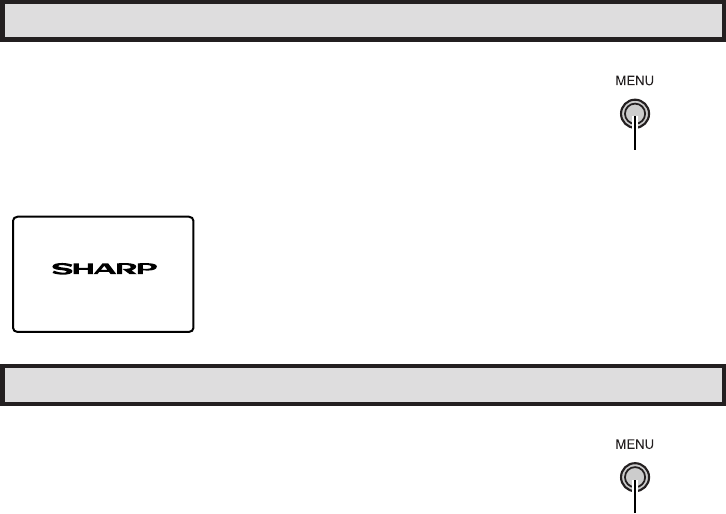
- Demo Mode 9
- Sleep Timer 10
- Language 10
- Video Adjust 11
- Audio Select 12
- Closed Caption 13
- How to set V-CHIP 16
- [1] MPAA RATING 16
- [2] TV GUIDELINES 17
- (DOWNLOAD screen) 18
- Activating the V-CHIP BLOCK 20
- (On the Set) 21
- VOL k and CH 21
- Parent Control (VIEW TIMER) 22
- Energy Save 25
- Set Up (Continued) 27
- VIDEO EQUIPMENT 31
- (Rear connection 32
- QUICK SERVICE 33
- CHECK LIST 33
- Specifications 34
- INFORMACIÓN IMPORTANTE 35
- (Continuación) 36
- Panel Delantero 38
- Solicitud de servicio técnico 39
- INFORMATIONS IMPORTANTES 40
- PRÉCAUTIONS IMPORTANTES 41
- (Suite) 42
- Nomenclature (FRANÇAIS) 43
- LISTE DES 44
- VÉRIFICATIONS 44
- DÉPANNAGE 44
- Limited Warranty 45
Powiązane produkty i podręczniki dla Telewizory Sharp 27C240
 (38 strony)
(50 strony)
(38 strony)
(50 strony)

 (58 strony)
(60 strony)
(48 strony)
(54 strony)
(58 strony)
(60 strony)
(48 strony)
(54 strony)
© 2020, manymanuals.pl. Wszelkie prawa zastrzeżone. | 0.034 s |
 Manymanuals.com
 Manymanuals.de
 Manymanuals.fr
 Manymanuals.it
 Manymanuals.pl
 Manymanuals.cz
 Manymanuals.es
 Manymanuals-pt.com
Komentarze do niniejszej Instrukcji