Sharp ZQ-520 Podręcznik Użytkownika Strona 1
Przeglądaj online lub pobierz Podręcznik Użytkownika dla Tablety Sharp ZQ-520. Sharp ZQ-520 User`s guide Instrukcja obsługi
- Strona / 11
- Spis treści
- BOOKMARKI

Podsumowanie treści
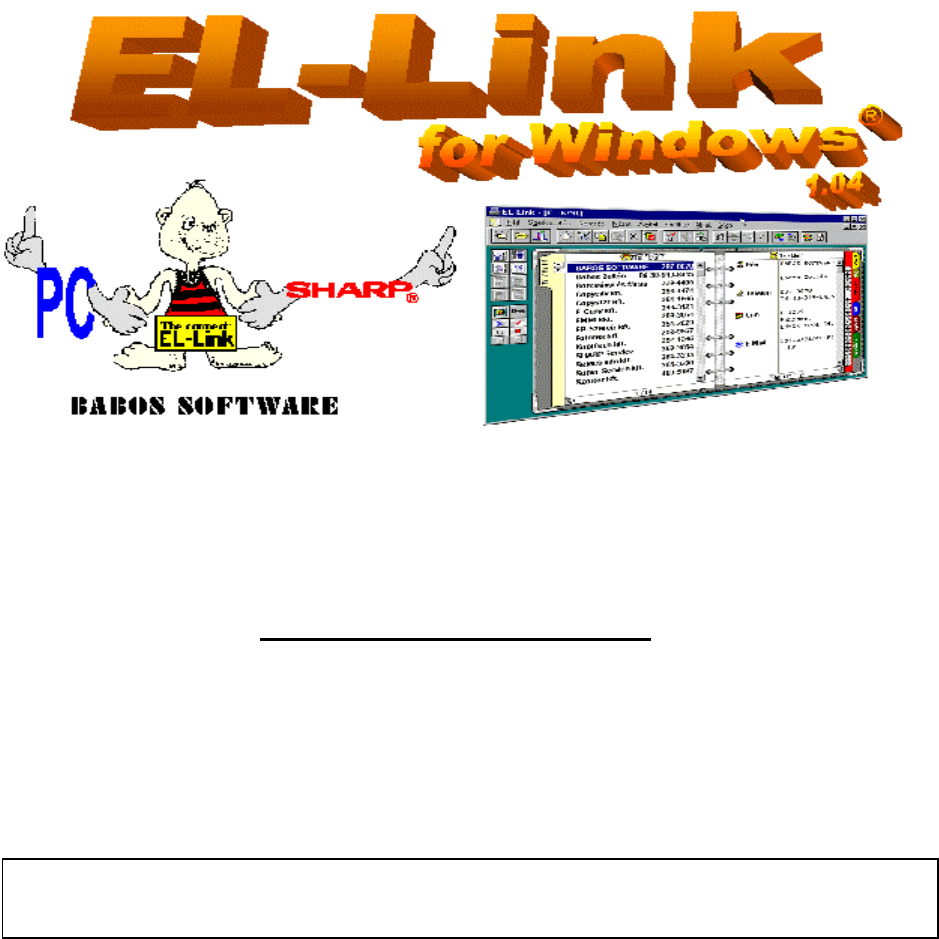
User’s GuideWelcome to EL-Link SoftwareThe Main Program Features• The EL-Link program allows sending data to a PC, and sending them back to SHARP®, s
Frequent problems:1. There is no free COM serial port connector available on the PC• The PC must have one free serial port for connecting the cable: C
3. An error message is issued in PC or SHARP after starting data communication◊ Though the PC finds the cable (the words „EL-Link” or „SHARP” are disp
• Data exchange with other programs, by keeping the accentuated characters of the code tables CWI, 852and Windows ANSI. (Excel®, Word®, Outlook®, Outl
Packing list• Data communication cable: special EL-Link cable with electronic circuit is integrated in the connector(Each items are packed after con
3. Communication SHARP=>PC Receive• The SHARP contents can be copied in an empty database by using menu commands File New dossier(Alt-F, N). Give
• Go to the window Backup save by the menu point Communication Backup save (Alt-C, B), specify thefile name for saving all the data stored in the SH
• Starting EL-Link the program opens the database that has been used for the last time.• If you would like to use another database you can select it i
• Other registers can be chosen by using the register tabs (Tel/Mail 1..2, URL, Memo, …etc. ), or left, right(⇓ ◊) keys.• The required data item can b
• Character deletion: at the cursor position: Delete, deleting character before the cursor position:⇓BackSpace.• New line or line feed can be requeste
• Create one shortcut icon with different working (beginning) folder to each users. The working(beginning) folder can be given in Property window (cli
Powiązane produkty i podręczniki dla Tablety Sharp ZQ-520
 (529 strony)
 (32 strony)
(40 strony)
(54 strony)
(35 strony)
(91 strony)
(32 strony)
(40 strony)
(54 strony)
(35 strony)
(91 strony)
© 2020, manymanuals.pl. Wszelkie prawa zastrzeżone. | 0.020 s |
 Manymanuals.com
 Manymanuals.de
 Manymanuals.fr
 Manymanuals.it
 Manymanuals.pl
 Manymanuals.cz
 Manymanuals.es
 Manymanuals-pt.com
Komentarze do niniejszej Instrukcji