Sharp MX-7040N Instrukcja Użytkownika
Przeglądaj online lub pobierz Instrukcja Użytkownika dla Serwery Sharp MX-7040N. MX-6240N/7040N Brochure EN Instrukcja obsługi
- Strona / 12
- Spis treści
- BOOKMARKI

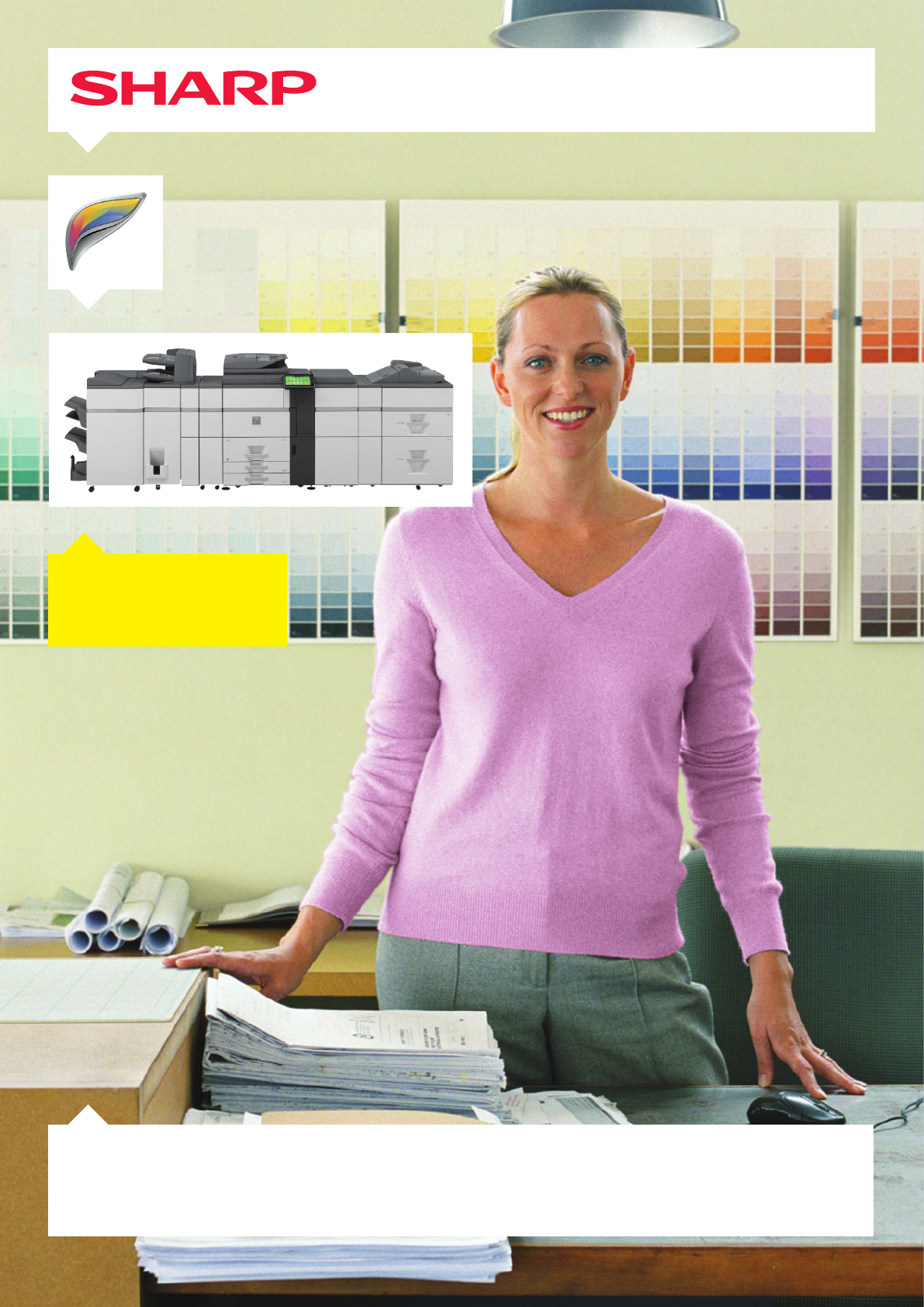
- MX-7040N / MX-6240N 1
- CONTROL PANEL TILTS IN FIvE 3
- COMFORTAbLE POSITIONS 3
- FRONT ACCESS 3
- USb PORT 3
- Attention to detail 4
- Energy efficiency 5
- EXTENSIvE FINISHING 5
- CAPAbILIITES 5
- Advanced finishing options 5
- Multi-layered security 6
- MULTI-LEvEL 6
- SECURITy 6
- Making life easier 7
- REMOTE ACCESS 7
- CONTROL PANEL 7
- Base Unit 8
- Finishing 8
- Connectivity 9
- Scanning 9
- CONFIGURATION EXAMPLES 10
- (requires optional MX-FX11) 12
Podsumowanie treści
MX-7040N / MX-6240NDigital Multifunctional SystemWe know that ‘production class’ MFPs can be complicated /This is Why we made one that’s easy to use.
10CONFIGURATION EXAMPLES• A4 or A3 paper handling• SRA3 and 300 g/m2 via bypass tray• 3,100-sheet paper capacity• A4 or A3 paper handling• SRA3 and 30
11• A4, A3 or SRA3 paper handling• 8,500 paper capacity• 4,000-sheet finisher• 100-sheet stapling• 2 or 2/4 hole punching• Various folding options• Ins
www.sharp.euNOTES*1 At rated voltage. May vary depending on machine conditions and operating environment.*2 Best achieved time based on A4 copy, lon
It can take years to learn the fine points of colour printing and finishing /This is Why these new MFPs do it all for you, today.2‘Production class’ MFP
3Effortless operation for instant results The MX-7040N and MX-6240N can be used by anyone and everyone. Every feature can be instantly accessed
4Speed is simply a starting point for productivity /This is Why we’ve added total automation with a choice of finishing options.Power and ease of use c
5Advanced finishing optionsFinishing options give you the opportunity to create a wider range of documents in house, rather than using a third party pr
6Some things can be shared, others can’t /This is Why we protect you with multi-layered security.Multi-layered securityThese MFPs incorporate some
7Making life easierThe MX-7040N and MX-6240N are truly easy to manage. Every important setting can be configured from a dedicated web page.A Pri
8OPTIONSBase UnitMX-KB13 Keyboard1. MX-MF10 Multi Bypass Tray (for main machine)2. MX-LT10 Long Paper Feeding Tray Recommended for banner printing.3.
914. MX-RB15 Curl Correction Unit Corrects paper curling by putting pressure on the convex/concave curl.15. MX-CF11 Inserter (200-sheet x 2 bin) Requi
Więcej dokumentów dla Serwery Sharp MX-7040N


Powiązane produkty i podręczniki dla Serwery Sharp MX-7040N
 (32 strony)
(12 strony)
(68 strony)
(45 strony)
(32 strony)
(12 strony)
(68 strony)
(45 strony)
© 2020, manymanuals.pl. Wszelkie prawa zastrzeżone. | 0.037 s |
 Manymanuals.com
 Manymanuals.de
 Manymanuals.fr
 Manymanuals.it
 Manymanuals.pl
 Manymanuals.cz
 Manymanuals.es
 Manymanuals-pt.com
Komentarze do niniejszej Instrukcji