Sharp SL-5500 Instrukcja Użytkownika Strona 72
- Strona / 148
- Spis treści
- BOOKMARKI

- OPERATION MANUAL 1
- Table of Contents 2
- Introduction 6
- About this manual 7
- Address Book 8
- <Address fields> 9
- Index Screen 10
- Detail Screen 11
- Attaching a Note 12
- Address Book Setup 13
- Address Book 9 14
- Calendar 16
- Week screen 17
- Month screen 18
- Adding Events 19
- To set an alarm 20
- To repeat an event 20
- Modifying a Calendar event 23
- Calendar 19 24
- Calendar Setup 25
- Todo List 26
- Detail screen 27
- Edit screen 27
- Todo List 23 28
- Modifying a Todo List entry 29
- Deleting Todo task entries 30
- Other functions 31
- Text Editor 32
- Modifying a Text Editor entry 34
- Deleting a Text Editor entry 34
- Renaming the Text Editor file 35
- Media Player 36
- Index screen 37
- Playback screens 38
- For movie files 39
- For music files 40
- Playing a file 41
- Adding files to the Playlist 42
- To stop playback 43
- To playback at random 43
- Image Viewer 46
- Image view screen 47
- Viewing images 48
- Delay time slider 49
- Repeat checkbox 49
- Auto-play checkbox 49
- 44 Image Viewer 49
- Opera Browser 50
- 46 Opera Browser 51
- Browsing the Web page 52
- 48 Opera Browser 53
- Using the Search function 54
- Using the bookmarks 54
- Deleting the bookmark 55
- Editing bookmarks 55
- Changing the bookmark order 56
- 52 Opera Browser 57
- EMail 55 60
- Examine (Detail) screen 61
- New mail screen 62
- E-mail accounts 63
- EMail 59 64
- Use signature checkbox 64
- Creating an e-mail message 66
- (File attachment) 67
- Checking e-mail contents 68
- Sending an e-mail message 69
- Receiving e-mail messages 70
- Replying to an e-mail message 71
- Replying to all 71
- Forwarding an e-mail message 71
- EMail 67 72
- Data menu 72
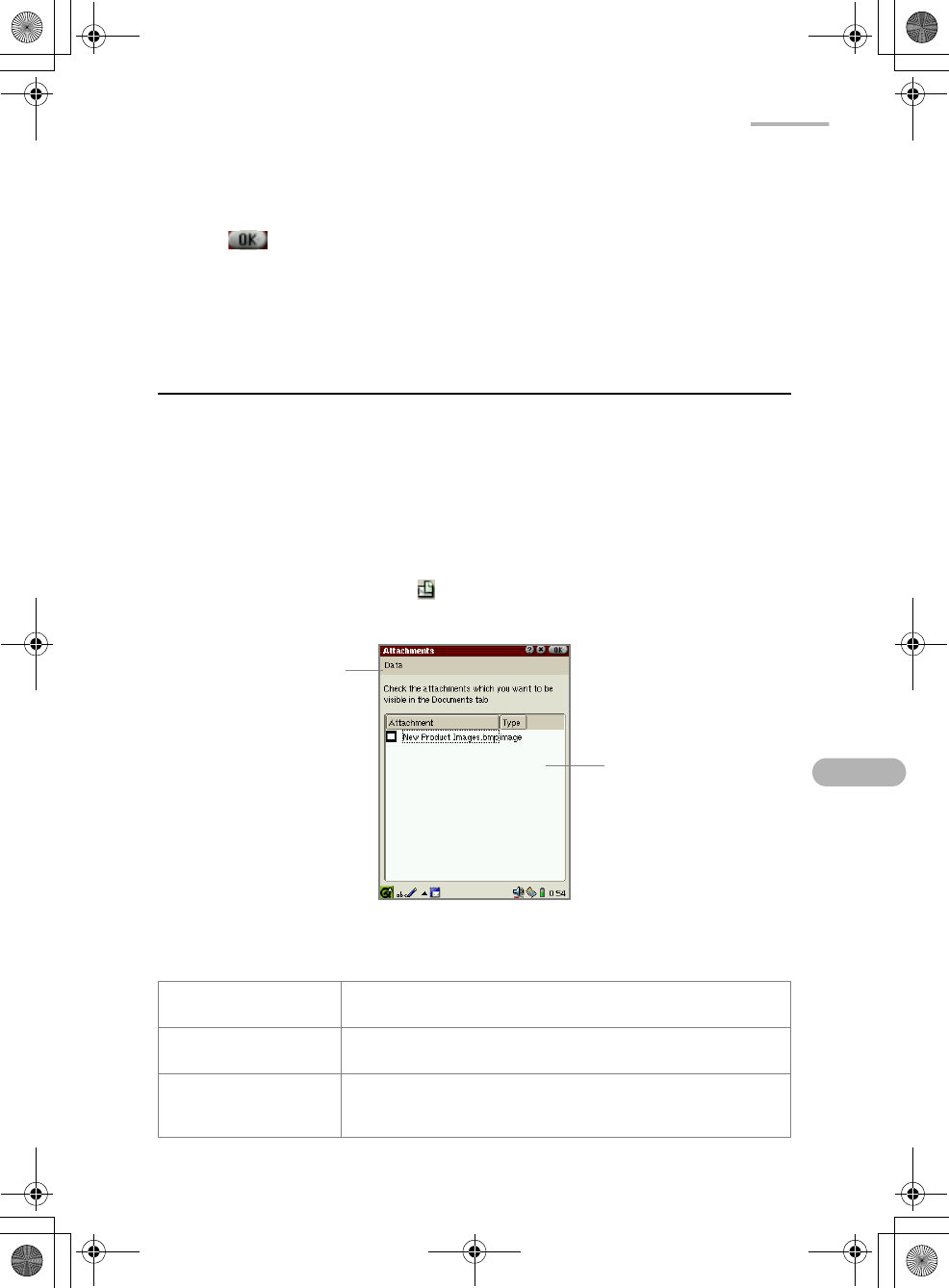
- Attachment list 72
- Deleting e-mail messages 73
- EMail 69 74
- Select for delete 74
- Creating a new query 75
- EMail 71 76
- Sort by query 76
- To edit the query 77
- To delete a query 77
- Creating a new mailbox folder 78
- To delete a mailbox folder 79
- City Time 82
- 78 Extras 83
- Using a Stopwatch 84
- Calculator 85
- When an error message appears 86
- System Info 87
- Attaching the microphone 88
- 84 Extras 89
- Recording 90
- Setting up the preferences 91
- Help Browser 92
- Removing bookmarks 93
- Asteroids 94
- Mindbreaker 94
- Mine Hunt 95
- Patience 95
- Word Game 95
- Settings 96
- 92 Settings 97
- Add/Remove Software 98
- Installing Package files 99
- Searching for a package file 103
- Uninstalling package files 104
- Backup/Restore 105
- Settings 101 106
- Beam Receive 107
- Selecting the receiving mode 108
- Receiving data in Manual mode 109
- Settings 105 110
- File information 110
- Add button 110
- Information of the 110
- Setting the Appearance 111
- Using the Application Key 112
- 108 Settings 113
- Brightness control slider 113
- Dim light after checkbox 113
- Light off after checkbox 113
- Security 114
- Overview 115
- Setting the passcode 115
- Changing the passcode 116
- Clearing the passcode 116
- Shutting down 117
- Internet Settings 118
- 114 Internet Settings 119
- Creating a new LAN setting 120
- Internet Settings 117 122
- Primary DNS field 122
- Secondary DNS field 122
- Proxy drop-down 122
- 118 Internet Settings 123
- 120 Internet Settings 125
- View area 125
- Register button 125
- No proxies 128
- Auto configure proxies 129
- Set Proxies 129
- Modifying settings 131
- Deleting settings 131
- Connecting or disconnecting 131
- Network 132
- & Sync 132
- Creating a new setting 134
- Internet Settings 131 136
- Auto-detect name 136
- First DNS field 136
- Second DNS field 136
- 132 Internet Settings 137
- Proxy drop-down list 137
- Internet Settings 133 138
- 136 Internet Settings 141
- Proxy drop 141
- Modifying the settings 142
- Proxim Configuration 143
- Wireless LAN Setting 143
- Enter the setting 144
- Tap to save the setting 144
- Appendix 146
- 142 Appendix 147
Powiązane produkty i podręczniki dla PDA Sharp SL-5500
 (36 strony)
(40 strony)
(36 strony)
(40 strony)
 (52 strony) (102 strony)
(91 strony)
(2 strony)
(2 strony)
(52 strony) (102 strony)
(91 strony)
(2 strony)
(2 strony)
Vigo VG09035K manuály
Uživatelské manuály a uživatelské příručky pro Pro domov Vigo VG09035K.
Poskytujeme 1 manuály pdf Vigo VG09035K ke stažení zdarma podle typů dokumentů: Uživatelský manuál

Vigo VG09035K Uživatelský manuál (7 strany)
Značka: Vigo | Kategorie: For Home | Velikost: 0.28 MB |
Tabulka s obsahem
Další produkty a příručky pro Pro domov Vigo
| Modely | Typ Dokumentu |
|---|---|
| VG09035K1 |
Uživatelský manuál
Vigo VG09035K1 User Manual,
7 stránky
|
| VG09036K1 |
Uživatelský manuál
Vigo VG09036K1 User Manual,
7 stránky
|
| VG09036K |
Uživatelský manuál
Vigo VG09036K User Manual,
7 stránky
|
| VG09037K1 |
Uživatelský manuál
Vigo VG09037K1 User Manual,
7 stránky
|
| VG09037K |
Uživatelský manuál
Vigo VG09037K User Manual,
7 stránky
|
| VG09038K1 |
Uživatelský manuál
Vigo VG09038K1 User Manual,
7 stránky
|
| VG09038K |
Uživatelský manuál
Vigo VG09038K User Manual,
7 stránky
|
| VG09039K1 |
Uživatelský manuál
Vigo VG09039K1 User Manual,
7 stránky
|
| VG09039K |
Uživatelský manuál
Vigo VG09039K User Manual,
7 stránky
|
| VG09010K1 |
Uživatelský manuál
Vigo VG09010K1 User Manual,
7 stránky
|
| VG09010K |
Uživatelský manuál
Vigo VG09010K User Manual,
7 stránky
|
| VG09017K1 |
Uživatelský manuál
Vigo VG09017K1 User Manual,
7 stránky
|
| VG09017K |
Uživatelský manuál
Vigo VG09017K User Manual,
7 stránky
|
| VG09018K |
Uživatelský manuál
Vigo VG09018K User Manual,
7 stránky
|
| VG09018K1 |
Uživatelský manuál
Vigo VG09018K1 User Manual,
7 stránky
|
| VG09019K1 |
Uživatelský manuál
Vigo VG09019K1 User Manual,
7 stránky
|
| VG09019K |
Uživatelský manuál
Vigo VG09019K User Manual,
7 stránky
|
| VG09020K1 |
Uživatelský manuál
Vigo VG09020K1 User Manual,
7 stránky
|
| VG09020K |
Uživatelský manuál
Vigo VG09020K User Manual,
7 stránky
|
| VG09027K |
Uživatelský manuál
Vigo VG09027K User Manual,
7 stránky
|
© 2020, manymanuals.pl. Wszelkie prawa zastrzeżone. | 0.040 s |
 Manymanuals.com
 Manymanuals.de
 Manymanuals.fr
 Manymanuals.it
 Manymanuals.pl
 Manymanuals.cz
 Manymanuals.es
 Manymanuals-pt.com
Komentarze do niniejszej Instrukcji