Sharp MX-B381 Instrukcja Użytkownika
Przeglądaj online lub pobierz Instrukcja Użytkownika dla Urządzenia wielofunkcyjne Sharp MX-B381. MX-B381 - Business Electronics Instrukcja obsługi
- Strona / 12
- Spis treści
- BOOKMARKI

- Speed and Versatility 1
- Max 38 PPM 2
- Large Colour 2
- Touch Screen 2
- LCD Display 2
- MX-B381 - Key Features 3
- High Quality 4
- Printing 4
- 1200 x 1200 dpi 4
- Space-Saving 4
- Inner Finisher 4
- Effortless copying 5
- Requires optional MX-BTX1 6
- Rapid, efficient faxing 7
- Powerful document management 8
- Integrated device management 9
- Document 10
- Security 10
- MX-B381 - Options 11
- Specifications 12
Podsumowanie treści
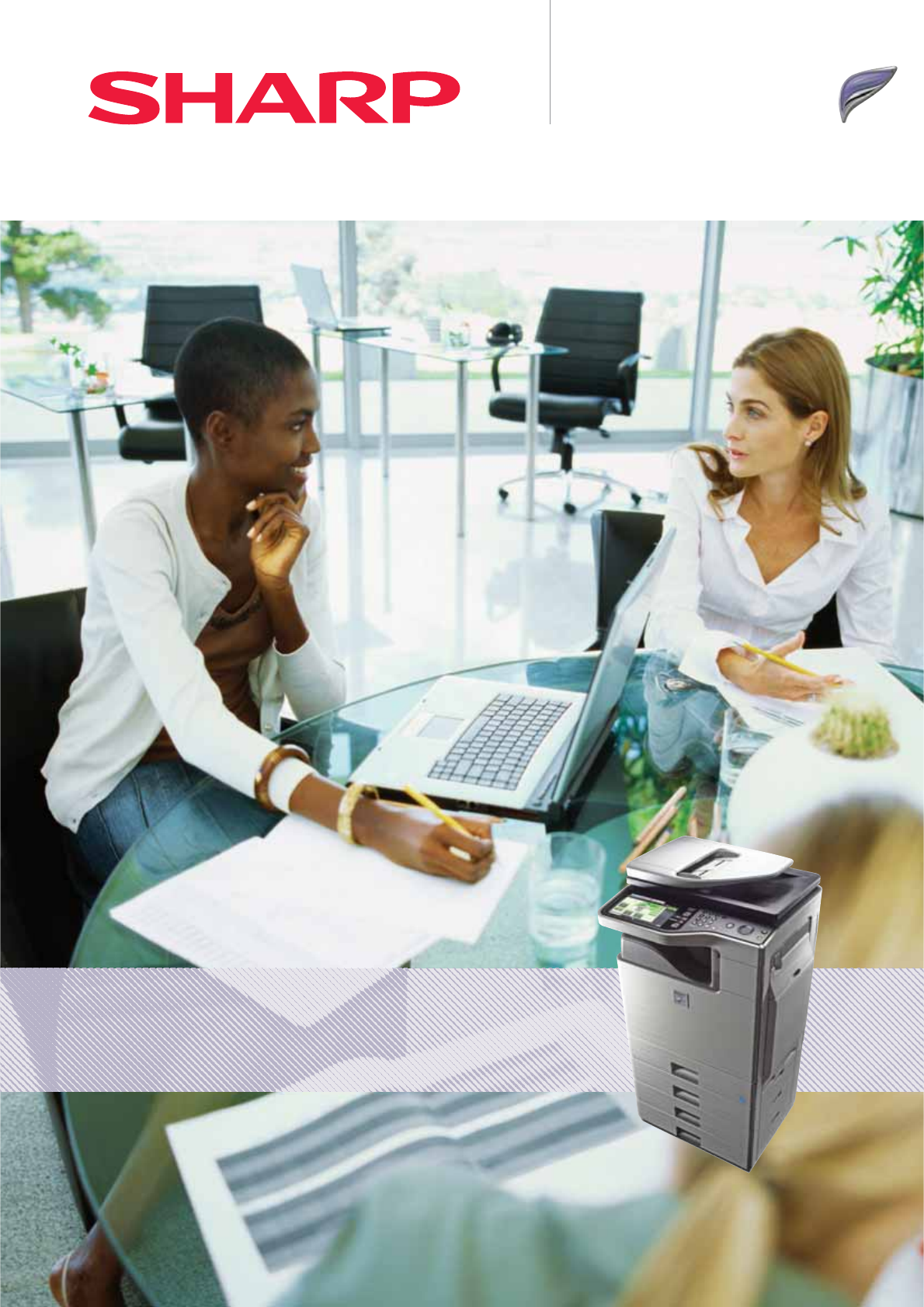
Speed and Versatility in an Elegant, Space Saving DesignMX-B381Digital Multifunctional System
DocumentControlDataSecurityData EraseData EncryptionThe data generated for each job is automatically erased once that job is finished ERASEDTOPSECRETU
MX-B381 - OptionsShown with options.Dimensions do not include cabinet.493 mm1,117 mm560 mm667 mm**715 mm with Inner Finisher tray extended.Finishing1.
SpecificationsDesign and specifications are subject to change without prior notice. All information was correct at time of print. The ENERGY STAR logo i
Max 38 PPMLarge Colour Touch ScreenLCD DisplayMX-B381 - Speed and VersatilityImpressive performance packed into a small spaceFast. Versatile. Stylish.
HighPerformanceA4 Mono MFPUp To 2100Sheet Paper Capacityin an Elegant, Space-Saving DesignMX-B381 - Key FeaturesMinimal space, maximum styles "O
High QualityPrinting1200 x 1200 dpiSpace-SavingInner FinisherMaximum quality printing at maximum speedBecause the MX-B381’s reliable single-pass print
Convenient230&Max 38 CPMEffortless copying At 38 pages per minute, making copies with the new MX-B381 is just as fast as printing original documen
Scan to Email, Network, PC, FTP or USBOptionalBusinessCard ScanningScan Scan to Email Scan to FTPScan to NetworkFolder (SMB)Scan to USBScan to PCClass
Rapid, efficient faxingPreparation time Transmission time Finishing timeG4 14.4 KbpsSuper G3 33.6 KbpsThe optional integrated fax expansion kit makes s
SharpOSA®ThumbnailViewPowerful document managementYour new Sharp MFP comes complete with everything you need to MANAGEYOURDOCUMENTWORKmOW!N&a
PrinterAdministrationUtilityIntegrated device managementLike all Sharp MFPs, the MX-B381 is easy to configure and support, and multiple devices can be
Powiązane produkty i podręczniki dla Urządzenia wielofunkcyjne Sharp MX-B381


 (165 strony)
(116 strony)
(165 strony)
(116 strony)
 (20 strony) (162 strony)
(167 strony)
(20 strony) (162 strony)
(167 strony)
© 2020, manymanuals.pl. Wszelkie prawa zastrzeżone. | 0.019 s |
 Manymanuals.com
 Manymanuals.de
 Manymanuals.fr
 Manymanuals.it
 Manymanuals.pl
 Manymanuals.cz
 Manymanuals.es
 Manymanuals-pt.com
Komentarze do niniejszej Instrukcji