Sharp AQUOS LC-40LE700 Instrukcja Użytkownika
Przeglądaj online lub pobierz Instrukcja Użytkownika dla Telewizory LCD Sharp AQUOS LC-40LE700. Sharp AQUOS LC-40LE700 User's Manual Instrukcja obsługi
- Strona / 61
- Spis treści
- BOOKMARKI

- LC-40LE700 1
- LC-46LE700 1
- LC-52LE700 1
- LC-40LE700U 2
- LC-46LE700U 2
- LC-52LE700U 2
- Trademarks 3
- DEAR SHARP CUSTOMER 4
- ???? ???? ???? 7
- @ _ _ll-JJJJ S 7
- 1T (5 m) 8
- POWER indicator 8
- Preparation 9
- Contents 10
- ! to ina,s 11
- Part Names 12
- _ 13
- R=AUDIO-L 14
- ] TV Tv vc_ Aul)lo 15
- INPUT FLAS_SACK@@ 16
- FREEZE MENU 16
- Direct Button Operation 17
- I' '! 20
- On=ScreenDisplay Menu 21
- Picture ] 22
- On=Screen Display Menu 23
- .......... A E/Ii,! 24
- [] [] [] [] [] 27
- X [] [] [] [] 27
- [] [] [] [] 27
- Can. English Ratings 28
- Play Demosevery20 minutes 30
- I / 31
- IiFEziM Nui/ 33
- FAVORITE OH 35
- -- FAVORITECH 36
- Other Viewing Options 38
- Manufacturer codes 38
- SOURCE LIGHT 39
- Using AQUOS LiNK 40
- 6E) OD E£) 40
- 6E) (ED @ 40
- -- FAVORITE OH 41
- UsingAQUOS LiNK 42
- HDM,-DV,conversioncab,e 43
- Iooo!I ,No 44
- Using a PC 45
- INPUT FLASHBACKCO 47
- ®®® ¢ gJ 48
- Using the Intemet 49
- _ (3D (3D 49
- I Q°Q i°J 50
- EE) QE3 (ED 51
- (]D (3D OO 51
- (_E)EE) @ 51
- C_>QQ 52
- -- FAVORITE CH 53
- Appendix 54
- I I I I I 57
- Calling for Service 58
- LiMiTED WARRANTY 58
- Dimensional Drawings 59
- _.2231J_t_71/.] 60
- SHARP ELECTRONICS CORPORATION 61
- SHARP CORPORATION 61
Podsumowanie treści
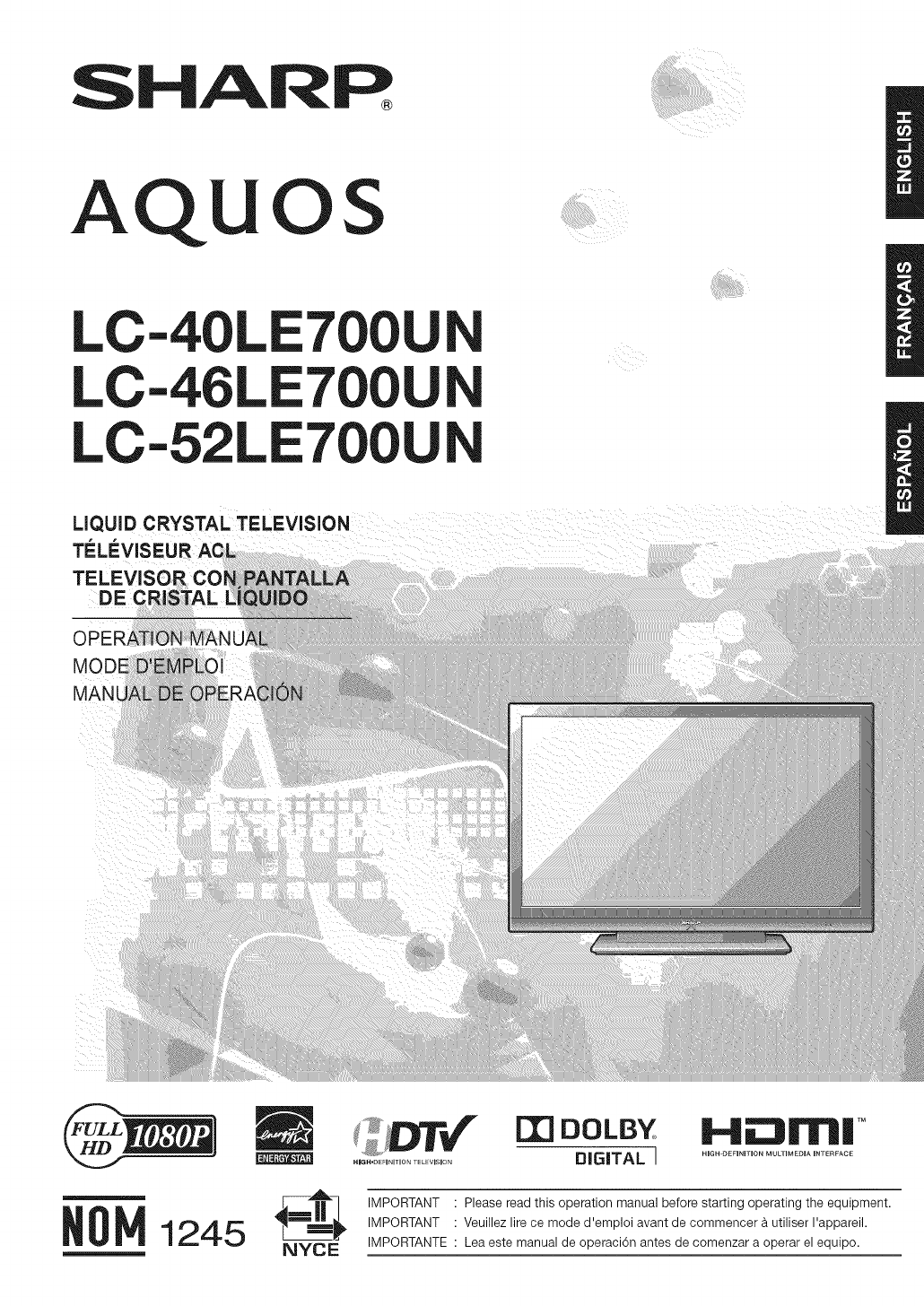
SHARPAQUOSLC-40LE700LC-46LE700LC-52LE700LiQUiD CRYSTAL TELEVISIONTi_L_:VISETELE_DE CMODEMAN[NYCE[][] DOLBYDIGITAL 11.41E:IlITII!TMHIGH DEFINITaON MULT
ContentsiMPORTANT iNFORMATiON ... 1Trademarks ... 2DEAR SHARP CUSTOMER ... 3
Part Names!Blue Illumination LED (See page 25.)II Y I OPOsens°r*(Seepage21) h/ ... / [ Remote control sensor /_ I ® ® @ @ |i _ L _ _ oPcindicator
Part Names1 18_!456111213141516192O-- 212223242526272829-- 303117• When using the remote control unit, point it at the TV.1 TV POWER: Switch the TM po
Connecting to External EquipmentFor connecting the TV to external equipment, use commercially available cables.• To protect equipment, always turn off
Connectingto E×ternalEquipmentHDMI-certified cableWhen using HDMJ=DVIconversion cable:HDMI-DVI conversion cable® 3.5 mm stereo minijack cableiNPUT 5,
Watching TVPress POWER on the TV, or TV POWER on the remote control unit toturn the power on._1 o POWER indicator (Green): The TV is on. (After a few
Direct Button OperationOOO®®®®QO®@@INPUT FLAS_SACK@@FREEZE MENU@_oC@8You can change channels by pressing CH/VV or 0-9,(DOT).Examples:To select a 1 or
Direct Button OperationAV MODE gives you several viewing options to choosefrom to best match the surrounding environment of theTV, which can vary due
Direct Button OperationAllows you to set the Power Saving level in order todecrease the power consumption and increase thebacklight lifespan.Press POW
Direct Button OperationYou can select the screen size.ioooJi ,°1 Press VIEW MODE.o The View Mode menu displays.The menu liststhe View Modeoptions sele
LC-40LE700ULC-46LE700ULC-52LE700ULiQUiD CRYSTAL TELEViSiONENGLISHOPERATION MANUALIMPORTANT:To aid reporting in case of loss or theft, please record th
On=Screen Display MenuExample _ LCFONT embeddedIIIIIIIIIIIIIIIIIIIIIIIIIIII®®Example[_ OptionPC Audio Select®®T_he bar above is an operational guide f
On=ScreenDisplay Menuo When AV MODE is set to "INTELLIGENT", part of the menu may not be displayed correctly or the setting range of the men
On=Screen Display MenuAdjusts the picture to your preference with thefollowing _icture settings.ExampleAutomatically adjusts the brightness of the scr
On=Screen Display MenuUse Fine Motion Enhanced to view fast-action videomore clearly.On" Forobtaining a clearerimage.Off: Normal image.= FineMoti
On=Screen Display MenuCmmrmu-You can adjust the sound quality to your preferencewith the following settings.Example[ _ Audio ]... A E/Ii,!1 Pre
On=ScreenDisplay MenuExampleFREEZE MENUO @¢ gm FAVORITECH m®®@®AqUOS1 Press MENU to display the MENU screen, and thenpress _1/1_ to select "Setup
On=Screen Display MenuFor adjusting a picture's horizontal and verticalposition.H-Pos.: Centers the image by moving it to the left orright.V-Pos.
On=Screen Display MenuV-CHIP is an electronic filtering device built into yourTV. This tool gives parents a great degree of controlover broadcasts acc
On=Screen Display MenuCanadian Rating Systems (Canadian English ratingsand Canadian French ratings). The TV rating systems in Canada are based on theC
On=Screen Display MenuIf the image does not come in clearly from the externalExample equipment connected to INPUT 1 or INPUT 2, youmay need to change
iMPORTANT iNFORMATiONWARNING: FCC Regulations state that any unauthorized changes or modifications to this equipment not expresslyapproved by the manu
On=Screen Display MenuSelect the video signal system compatible with yourequipment from the list below:Auto/NTSC/PAL=M/PAL=No "Color System"
On=Screen Display MenuThis setting allows you to optimize the settings ofDigital broadcasting.Example[_ DigitalSetup ]i FREEZE MENUio e-- FAVORITECH -
On=Screen Display Menu5Press ENTER to start checking the data in theUSB memory device.Press ENTER to start updating.The screen becomes dark for a whil
Enjoying photo and music playbackYou can enjoy viewing photos and listening to music from external USB memory devices.o Depending on the USB memory de
Enjoying photo and music playbackENTERA/_'/_/I_A (red)B (green)C (blue)D (yelJow)o When there are invalid photo files, the X mark will bedisplaye
Enjoying photo and music playbackChange to Music Mode *Specify the length of time before the next imageappears.1 Press D to display the USB MENU scree
Enjoying photo and music playback=You can select the music to be played in thebackground while the slide show is being displayed.! ;o-- FAVORITECH --®
Other Viewing OptionsYou can operate the connected AV products (AVreceiver, cable box, SAT tuner, DTV, VCR, DVD, LD)using the presetting manufacturer
Other Viewing OptionsManufacturer codesREMOTE CONTROL CODEVCR BRANDAkaiAudioBroksonicCanonCapehartCraigCurtis MathisDaewooDBXDynatechEmersonFisherFuna
Using AQUOS LINKWhat's AQUOS LINK?• Using the HDMI CEC (Consumer Electronics Control) protocol, with AQUOS LINK you can interactivelyoperatecompa
DEAR SHARP CUSTOMERThank you for your purchase of the Sharp Liquid Crystal Television. To ensure safety and many yearsof trouble-free operation of you
Using AQUOS LiNKi FREEZE MENU:o o1 Press MENU to display the MENU screen, and thenpress 4/!_ to select "Option".2 Press A/T' to select
Using AQUOS LiNKAQUOS LINK allows you to operate the HDMI-connected equipment with one remote control.SOURCE LIGHTREOPress I_ to start playing back a
UsingAQUOS LiNKThis section explains how to play back a title in theAQUOS LINK-compatible equipment.1 Power on the AQUOS LINK-compatible equipment,and
Using a PCWhen using HDMI cable:HDMI-certified cableiNPUT 5, 6, 7 or 8iNPUT 6HDM,-DV,conversioncab,e,('__ o3.5mmstereominiiackcablWhen using anal
Using a PC' IYou can select the screen size.Iooo!I ,No1 Press ViEW MODE.o The View Mode menu displays.o The menu lists the View Mode options sele
Using a PC1 Press MENU to display the MENU screen, and thenpress 4/1_ to select the Setup or Option menu.. Foradjusting "Auto Sync." or &quo
Using a PC[] PC control of the TV• Attach an RS-232C cable cross-type (commerciallyavailable) to the supplied Din/D-Sub RS-232C for theconnections.o T
Using the Internet• By connecting your TV to a broadband system, you can access the Internet from the TV.Display the "Sidebar Widget" on the
Using the InternetIi If you cannot connect to the InternetPerform the procedures below to check your TV'snetwork settings.l: / i i...QO, i
Using the IntemetWhen you are editing an input screen or specifying theEthernet settings used for accessing the Internet, entertext from the software
iMPORTANT SAFETY iNSTRUCTiONSOutdoor Antenna Grounding - If an outside antenna isconnected to the television equipment, be sure the antennasystem is g
Using the IntemetI Q°Q i°JFREEZE MENU [QQQj io o®®® j'5 g gENTER, A/V/4/I_o Press A/Y/4/I_ to select a link that you want to jump,and then press
Using the IntemetYou can use the toolbar to control the browser and tospecify settings.SOURCE LIGHTEE) QE3 (EDREC(]D (3D OO(_E)EE) @OQQQQQ(2) QQ(Z) QQ
Using the InternetAdding a web page to your bookmarks allows you toreturn to that page later by simply selecting it from yourlist of bookmarks.SOURO L
Using the IntemetYou can check or modify your browser settings fromthe Browser menu.The Browser menu includes a display settings menuand a security se
Appendix• Before detaching (or attaching) the stand, unplug the AC cord from the AC INPUT terminal.Do not remove the stand from the TV unless using an
AppendixProblem Possible Solutiono No power o Check if you pressed TV POWER on the remote control unit. =_Page 14If the indicator on the TV does not l
Appendixitem Model: LC-40LET00UN Model: LC-46LE700UN Model: LC-52LE77UN40" Class (40" Diagonal) 46" Class (45 63/64"Diagonal) 52&q
Appendixm Software compositionThe software included in this product is comprised of various software components whose individual copyrightsare held by
Calling for ServiceFor location of the nearest Sharp Authorized Service, or to obtain product literature, accessories, supplies, orcustomer assistance
Dimensional DrawingsUnit: inch (mm)O4coOJALC=40LE700UN37 61/64 (964)±34 59/64 (887 8)i11 13/16L J18 1/2(470)3 29/32 3 41/64(99) (92.5)LC=46LE700UNco43
iMPORTANT SAFETY iNSTRUCTiONSCongratulations on your purchase! As you enjoy your new product, please keep these safety tips in mind:THE iSSUEo The hom
Dimensional DrawingsUnit: inch (mm)LC=52LE700UNvJ_o!L__jv48 s/4 (1238)Ii _°_'11_7°'_ I t[ I _e/ /ib_4 17/32(1153 3/_(95)[ J_.2231J_t_71/.]h3
SHARPSHARP ELECTRONICS CORPORATIONSharp Plaza, Mahwah, New Jersey 07495-1163SHARP CORPORATIONPrinted in MexicoImprime au MexiqueImpreso en MexicoTINS-
Supplied AccessoriesMake sure the following accessories are provided with the product.Remote control unit "AAA" size battery AC cord Cable c
QUICK REFERENCE1 Attach your antenna to the back of the television.(See page 8.)2 Connect the AC plug for the television into the ACoutlet.• Place the
PreparationTo enjoy a clearer picture, use an outdoor antenna. The following is a brief explanation of the types of connectionsthat are used for a coa
Powiązane produkty i podręczniki dla Telewizory LCD Sharp AQUOS LC-40LE700
 (1 strony)
© 2020, manymanuals.pl. Wszelkie prawa zastrzeżone. | 0.073 s |
 Manymanuals.com
 Manymanuals.de
 Manymanuals.fr
 Manymanuals.it
 Manymanuals.pl
 Manymanuals.cz
 Manymanuals.es
 Manymanuals-pt.com
Komentarze do niniejszej Instrukcji