Sharp KB-6025M Dokumentacja Strona 14
- Strona / 43
- Spis treści
- ROZWIĄZYWANIE PROBLEMÓW
- BOOKMARKI

- CONTENTS 1
- MICROWAVE ENERGY 2
- PRECAUTIONS TO AVOID POSSIBLE 2
- EXPOSURE TO EXCESSIVE 2
- PRODUCT INFORMATION CARD 3
- LIMITED WARRANTY 3
- IMPORTANT SAFETY INSTRUCTIONS 4
- SAVE THESE INSTRUCTIONS 4
- Ordering a Built-in Kit 5
- GROUNDING INSTRUCTIONS 6
- INFORMATION YOU NEED TO KNOW 10
- PART NAMES 13
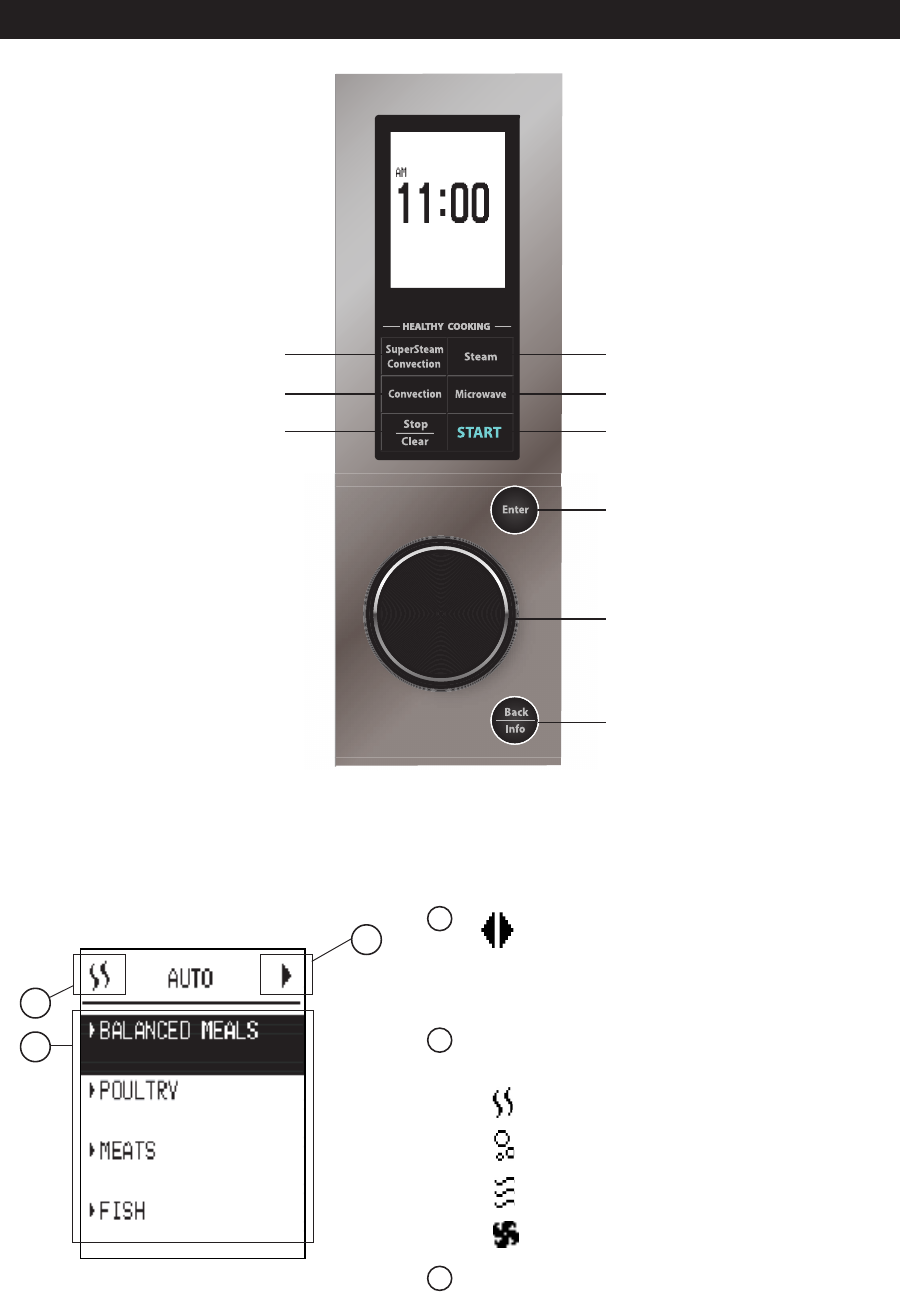
- CONTROL PANEL 14
- IMPORTANT INSTRUCTIONS 15
- BEFORE OPERATING 18
- AUTOMATIC COOKING 19
- COOKING TIME INPUT 28
- MANUAL COOKING CHART 28
- MANUAL COOKING 29
- OTHER CONVENIENT FEATURES 37
- CLEANING AND CARE 38
- TROUBLESHOOTING CHART 40
Powiązane produkty i podręczniki dla Akcesoria kuchenne i AGD Sharp KB-6025M
 (4 strony)
© 2020, manymanuals.pl. Wszelkie prawa zastrzeżone. | 0.073 s |
 Manymanuals.com
 Manymanuals.de
 Manymanuals.fr
 Manymanuals.it
 Manymanuals.pl
 Manymanuals.cz
 Manymanuals.es
 Manymanuals-pt.com
Komentarze do niniejszej Instrukcji