Sharp DK-KP95PH Dokumentacja
Przeglądaj online lub pobierz Dokumentacja dla Domowe zestawy audio Sharp DK-KP95PH. Sharp DK-KP95PH Specifications Instrukcja obsługi
- Strona / 34
- Spis treści
- ROZWIĄZYWANIE PROBLEMÓW
- BOOKMARKI

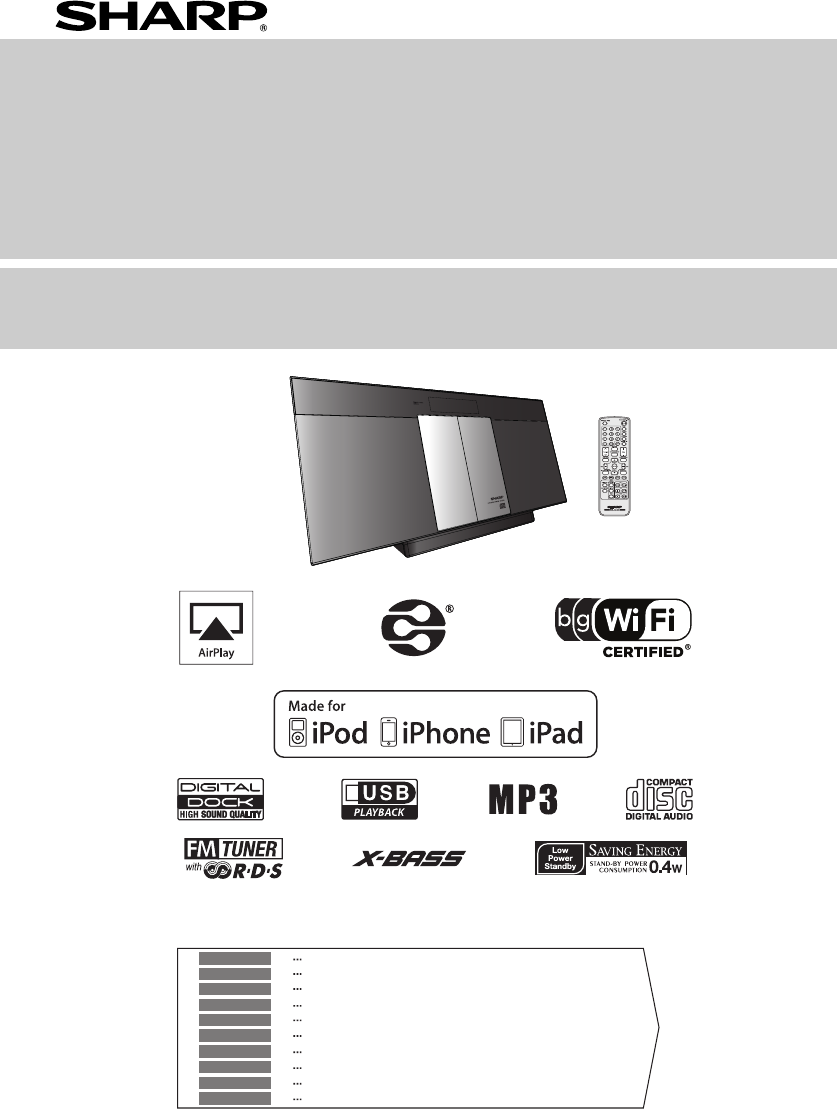
- DK-KP95PH 1
- DK-KP95PH_com.fm 10
- Introduction 12
- Special Note 12
- Accessories 12
- Precautions 13
- Controls and indicators 13
- ■ Remote control 14
- ■ Display 14
- System connections 15
- Remote control 15
- General control 16
- Setting the clock ( 17
- Network Configuration 18
- 192.168.1.1 18
- (continued) 21
- (FOLDER 1) 24
- Advanced USB playback 25
- Listening to the radio 26
- ■ Information provided by RDS 27
- Memory (ASPM) 27
- (continued) 29
- Enhancing your system 30
- Troubleshooting chart 31
- Maintenance 33
- Specifications 33
- *TINSZB208AWZZ=D* 34
Podsumowanie treści
12/2/2 DK-KP95PH_Front.fmAirPlay, the AirPlay logo, iPad, iPhone, iPod, iPod classic, iPod nano, and iPod touch are trademarks of Apple Inc., register
DK-KP95PH_com.fmix2012 January19Informazioni sullo smaltimento della batteriaLa batteria fornita con questo prodotto contiene tracce di Piombo.Per EU:
DK-KP95PH_com.fmx2012 January19“DLNA®, das DLNA Logo und DLNA CERTIFIED™Markenzeichen, Dienstleistungsmarken oder Gütezeichender Digital Living Networ
E-1IntroductionThank you for purchasing this SHARP product. To obtain the best performance from this product, please read this manualcarefully. It wil
E-2Precautions● Use the unit on a firm, level surface free from vibration.● Place the unit at least 30 cm (12") away from any CRTTV to avoid colo
E-3Controls and indicators (continued)Page1. Remote Control Transmitter . . . . . . . . . . . . . . . . . 42. Open / Close Button . . . . . . . . .
E-4System connectionsSupplied FM aerial:Connect the FM aerial wire to the FM 75 OHMS socket and positionthe FM aerial wire in the direction where the
E-5General controlPress the ON/STAND-BY button to turn the power on.To dim the display brightness, press the DIMMER button onthe remote control.If you
E-6Setting the clock (Remote control only)In this example, the clock is set for the 24-hour (0:00) display.To confirm the time display:Press the CLOCK
E-7Wi-Fi network Setup for AirPlay / DLNA (continued)8 Launch Music and play desired song on your iPod touch/ iPhone or iPad. For PC/Mac, launch iTune
E-8Wi-Fi network Setup for AirPlay / DLNA (continued)12 Change the name of SHARP_DK-KP95_xxxxxx inAirPlay Device Name if you like and click Apply (*1)
DK-KP95PH_com.fmi2012 January19BESONDERE ANMERKUNGENREMARQUES SPÉCIALESNOTAS ESPECIALESSÄRSKILDA ANMÄRKNINGARNOTE PARTICOLARIBIJZONDERE OPMERKINGENNOT
E-9Listening to the iPod, iPhone or iPadMade for:Caution:Please update your iPod, iPhone and iPad unit to the latestsoftware version before using it.
E-10Listening to the iPod, iPhone or iPad (continued)For iPod nano or iPod touch :For additional support, apply dock spacer (supplied) as shown.Note:W
E-11Listening to a CD or MP3/WMA discThis system can play back a standard CD, CD-R/RW in theCD format and CD-R/RW with MP3 or WMA files, butcannot rec
E-12Advanced CD or MP3/WMA disc playback (continued)Notes:●A track number higher than the number of tracks on thedisc cannot be selected.●During rando
E-13MP3/WMA folder mode (only for MP3/WMA files)To play back MP3/WMA (Windows Media Audio) file There are many music sites on the internet that you ca
E-14Listening to USB mass storage device/MP3 player (continued)Note:This product is not compatible with MTP and AAC filesystems from USB mass storage
E-15Advanced USB playback (continued)● For MP3/WMA files, please put “.MP3” “.WMA”extension. Files cannot be played back if there is noMP3/WMA extensi
E-16Using the Radio Data System (RDS)RDS is a broadcasting service which a growingnumber of FM stations provide. These FM stationssend additional sign
E-17Using the Radio Data System (RDS) (continued)If any of the following events occur, it does not meanthat the unit is faulty:● “PS”, “No PS” and a s
E-18Using the Radio Data System (RDS) (continued)Timer and sleep operation (Remote control only)Timer playback:The unit turns on and plays the desired
DK-KP95PH_com.fmii2012 January19●Bei Einstellung der ON/STAND-BY-Taste auf STAND-BY ist dieNetzspannung immer noch im Gerät vorhanden.Wenn die ON/STAN
E-19Notes:● When performing timer playback using another unitconnected to the USB terminal or AUDIO IN socket,select “USB” or “AUDIO IN” in step 5.● T
E-20Enhancing your system (continued)Note:To prevent noise interference, place the unit away from the television.● Do not turn the volume on to full a
E-21Troubleshooting chart (continued)Sudden temperature changes, storage or operation in anextremely humid environment may cause condensationinside th
E-22Troubleshooting chart (continued)Remove the iPod, iPhone, iPad, USB memory device and discfrom the unit. Then, set the unit to the power stand-by
DK-KP95PH_Back.fm2012Febr uary1512C R MW 2TINSZB208AWZZ*TINSZB208AWZZ=D*|
DK-KP95PH_com.fmiii2012 January19● Audio-visuelles Material kann Urheberrechteumfassen, die ohne Genehmigung des Eigentümersdieser Urheberrechte nicht
DK-KP95PH_com.fmiv2012 January19● Advarsel:Til at forbygge ild og stød risiko, lad vaere med at undsaettedenne indretning for drypning eller overstaen
DK-KP95PH_com.fmv2012 January19„Made for iPod“, „Made for iPhone“ und „Made for iPad“bedeutet, dass ein elektronisches Zubehörteil speziell fürden An
DK-KP95PH_com.fmvi2012 January19EntsorgungsinformationenA. Entsorgungsinformationen für Benutzer aus Privathaushalten1. In der Europäischen UnionAcht
DK-KP95PH_com.fmvii2012 January19Informazioni per un corretto smaltimentoA.Informazioni sullo smaltimento per gli utenti (privati)1.Nell'Unione e
DK-KP95PH_com.fmviii2012 January19Informacje dotyczące usuwania zużytego urządzeniaA.Informacje dla użytkowników (prywatne gospodarstwadomowe) dotyczą
© 2020, manymanuals.pl. Wszelkie prawa zastrzeżone. | 0.032 s |
 Manymanuals.com
 Manymanuals.de
 Manymanuals.fr
 Manymanuals.it
 Manymanuals.pl
 Manymanuals.cz
 Manymanuals.es
 Manymanuals-pt.com
Komentarze do niniejszej Instrukcji