Sharp PW-E420 Dokumentacja Strona 1
Przeglądaj online lub pobierz Dokumentacja dla Słowniki elektroniczne Sharp PW-E420. Sharp PW-E420 Specifications Instrukcja obsługi
- Strona / 56
- Spis treści
- BOOKMARKI

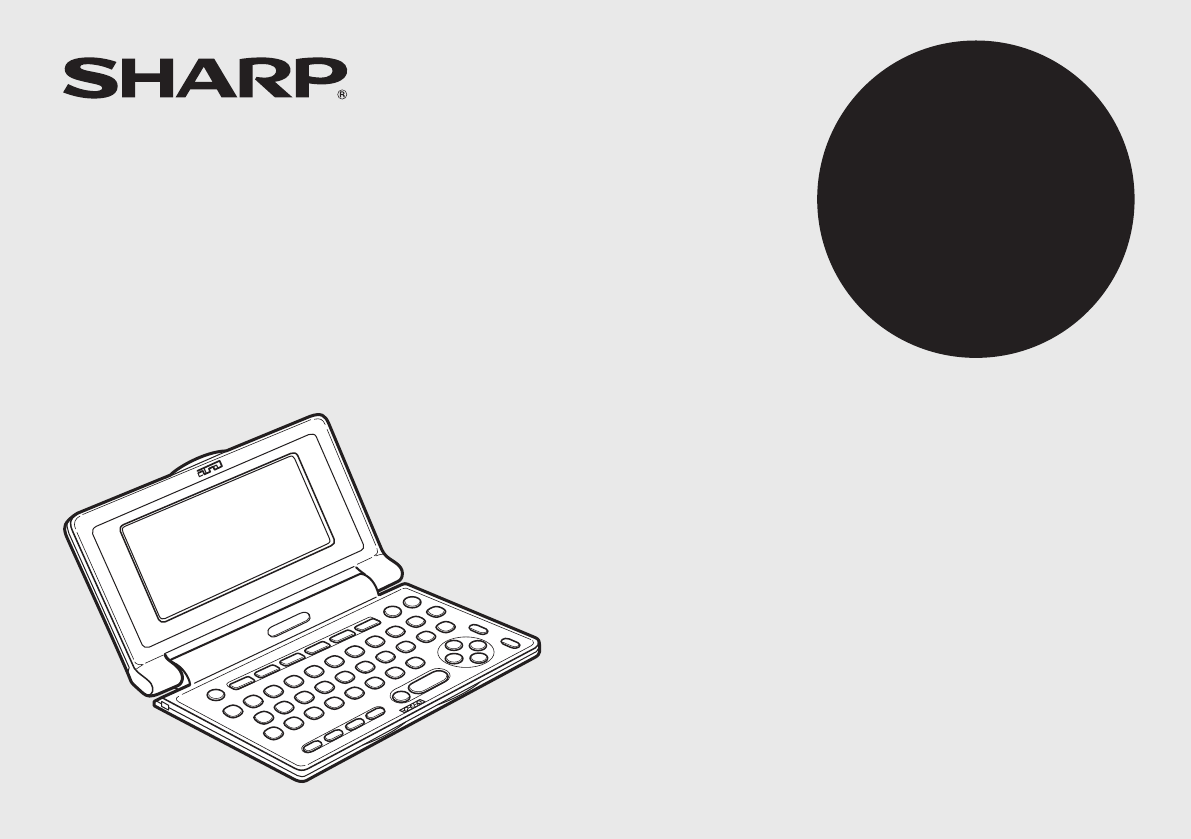
- ELECTRONIC DICTIONARY 1
- OPERATION MANUAL 1
- D-20097 Hamburg 2
- Introduction 3
- CONTENTS 5
- Getting Started 6
- Data contained in the PW-E420 8
- Operation guidance message 10
- Basic Operation of PW-E420 11
- Selecting an item or a word 12
- Scrolling the view 12
- Selecting each entry 12
- Other useful keys 13
- Inputting Characters 15
- Modifying entry 16
- Using Langenscheidt Englisch 17
- Word games (Buchstabenrätsel) 19
- Further information 21
- Using Langenscheidt Deutsch 22
- Englisch 22
- Using Langenscheidt 23
- Französisch-Deutsch 23
- Französisch 28
- Using Duden – Die deutsche 29
- Rechtschreibung 29
- Duden-rules 32
- Zusatz-Infos (Contents-Info) 33
- How to view the Zusatz-Infos 34
- Using the Super jump function 35
- Deleting a My Words List item 37
- Using the History function 38
- Using the Calculator function 40
- Using the Converter function 41
- Appendices 44
- Specifications 45
- Troubleshooting 46
- Product support 46
- Further information of the 47
- Die längsten Wörter im Duden 51
- PRINTED IN CHINA 56
- 12FC-70EC 56
Podsumowanie treści
Cover1ELECTRONIC DICTIONARYOPERATION MANUALMODELPW-E420Langenscheidt Handwörterbuch EnglischLangenscheidt Handwörterbuch FranzösischDuden – Die deutsc
9This symbol will be displayed when the battery level is low. Promptly replace the old battery with a new one.Indicatesthatthekeysound(beep)is
10Basic Operation of PW-E420Inputting words for a dictionary searchInthissection,thebasicsearchoperationisdescribed,theso-calledltersearc
11Starting Auto Demo mode (Auto-Demo)Activate the Auto demo for a guided tour through the key features of the product.1. Press m 0 to start the Auto d
12Detail view: scrollingPress t, then type A, and e. The detail view with translations appears. Browsing contents above/below the screen‘ ’ and/or ‘
13Listing a summary of detail view items (q)TheQuickviewfunctionsuppressessomeexamplesandadditionalinformation, andlistsoutthemainsecti
14Inputting CharactersMethodsofinputtingcharactersaredescribedinthissection.Character entryAsimpleexampleofinputtingcharactersisshownb
15Modifying entryDeleting unnecessary or incorrect characters<Example>Modifytheentry‘rangehen’toindicate‘Ring’.1. Press u to open the inpu
16Inthisdictionary,GermantranslationsorequivalentsofanEnglishwordcanbe foundbyenteringitsspelling.FeaturessuchasPhrasesearch,Sp
17Phrase search (Feststehende Wortverbindungen suchen)UsingthePhrasesearch,youcantranslatephrasesandidiomatic expressionsasanativespeake
18Word games (Buchstabenrätsel)With these functions you can train vocabulary with effortless ease, or become word game king. PW-E420 contains two word
1Garantieurkunde für Sharp Electronic Dictionary PW-E420Sehr geehrte Sharp-Kundin, sehr geehrter Sharp-Kunde, vielen Dank, dass Sie sich zum Kauf eine
195. Press e to start the search. Alistofthewildcardmatchesappear.Upto100 words may be displayed in the list.6. In the list, select a desir
205. In the list of matches, use the number keys to select a word (press 3inthisexample). The detail view of the selected word appears.• Pressf
21Inthisdictionary,EnglishtranslationsorequivalentsofaGermanwordcanbefoundby entering its spelling, with a Phrase search feature also av
22Inthisdictionary,GermantranslationsorequivalentsofaFrenchwordcanbefoundbyenteringitsspelling.FeaturessuchasPhrasesearch,Spell
232. Press <toshowthelastentryofallFR-DEentries.• ThelistofFrenchconjugationsisshowninalphabetical order.Note:•The last page of
24Note:• Upto100wordsmaybedisplayedinthelist.If the list of words does not appear as expected:• Searchingforwordswithparticularspellin
25Word games (Buchstabenrätsel)With these functions you can train vocabulary with effortless ease, or become word game king. PW-E420 contains two word
263. Press 2 . The input screen of the Anagram solver appears.4. Place‘gourde’intheinputeld,thenpressetoinitiatethesearch.Upto100wor
27Inthisdictionary,FrenchtranslationsorequivalentsofaGermanwordcanbefoundby entering its spelling, with a Phrase search feature also ava
28ThisdictionaryisthestandardforGermanspellingbasedonthenew,ofcialregula-tions, to look up the obligatory spelling of words, division of
2Thank you for purchasing the SHARP Electronic Dictionary, model PW-E420.The PW-E420 contains data based on the following dictionaries (see page 7):•
29Spellcheck function (Rechtschreibprüfung)TheGermanspellcheckfunctioncanbehelpfulwhentheexactspellingofaqueryword is not known.<Exam
30Word games (Buchstabenrätsel)With these functions you can train vocabulary with effortless ease, or become word game king. PW-E420 contains two word
313. Press 2 . The input screen of the Anagram solver appears.4. Place‘Lauf’intheinputeld,thenpressetoinitiatethesearch.Upto100words
32IntheZusatz-Infosyoundinformation,whicharelocatedinthefrontresp.backpartof the related printed book versions.In PW-E420 integrated i
33How to view the Zusatz-Infos<Example>View‘HinweisefürdieBenutzungdesWörterbuchs’inLangenscheidt Handwörterbuch Englisch.1. Press m,
34The Super Jump function links the dictionaries integrated in PW-E420, so that words fromadetailscreencanbequicklymarkedandexplainedresp.t
35Thefunction‘MyWords’isspeciallyusefultotrainvocabulary.Usethefunction‘MyWords(MeineWörter)’listtoregisteraword,whichhasbeen
36Deleting a My Words List item1. DisplaytheMyWordsListonthescreen.2. Usethe} or { key to place the cursor on theitemtobedeleted(selec
37UsetheHistoryfunctiontorecallaheadwordoridioms/sentencespreviouslysearched in the dictionaries.How to use the History function<Example
38Deleting the history list of a dictionary1. Press m, then 9 to open the Set-up menu.2. Press 4toselect‘Verlauflöschen’.3. Usethenumberkeyst
3Fast and clever – Look up and exploreYou made a good choice with the electronic dictionary PW-E420!ThePW-E420wasdevelopedinclosecooperationwit
39Using the Calculator functionThe built-in calculator in the Electronic Dictionary can perform twelve-digit arithmeticcalculationswithmemoryfunc
40TheConverterfunctionconsistsoftwoconverters:theCurrencyconverter,andtheMetricconverter.Currency converter (Währungsumrechner)Setting a
413. Press ]toexecutetheconversionfromC= toUS$.TheconvertedvalueofUS$216isdisplayed.• Pressing[executesaUS$-to-C= conversion. I
42Units capable of being convertedThe following conversion formulae can be utilised. Längenmaß1(length1): Zoll⇔ cm *Längenmaß2(length2): Fuß
43AppendicesTypeAlkaline batterySize/ModelSize“AAA”/LR03Quantity1Replacing the batteryBattery used• Useonlythespeciedalkalinebattery.• Ple
44Reset procedure if trouble occursExposuretoastrongphysicalshockorpowerfulelectricaleldsmayrenderthekeys inoperable, to the point that
45 •Approx.55hours If data is searched for 5 minutes and displayed for 55 minutes with 2 minute backlight use per hour at 25°C(77°F) Note:May
46Langenscheidt Handwörterbuch EnglischCopyrightLangenscheidtHandwörterbuchEnglischHerausgegebenvonderLangenscheidt-RedaktionDeutscheRechtschrei
47Zum Umfang des deutschen WortschatzesExakteAngabenüberdenUmfangdesdeutschenWortschatzessindnichtnurdeshalbunmöglich,weilständigWörter
48Die Stichwortzahlen der DudenauflagenMitjederAuageistderUmfangdesDudensgewachsen.AlsKonradDudens»Voll-ständigesOrthographischesWörterb
4CONTENTSGetting StartedUsingthePW-E420forthersttime ...5Layout ...
49Erstaunlicherweisemachendie100häugstenWörterfastdieHälfteallerWörterindenTextendesDudenkorpusaus.Mitdenhäugsten2841Wörternd
50Die längsten Wörter im DudenDiefolgendeTabellezeigtdieimRechtschreibdudenenthaltenenStichwörtermitdenmeistenBuchstaben.BeiderAuswertu
51Durchschnittliche Länge eines deutschen WortesDiedurchschnittlicheLängeeinesStichwortesimDudenbeträgt10,6Buchstaben.WiesichdieAnzahlde
52BetrachtetmandieAneinanderreihungvonVokalenimDudenkorpus,kommtmanzusehrähnlichenErgebnissen.ÜberdieobenbereitszitiertenWörter»zw
53Die Verteilung der Artikel (Genusangabe) im RechtschreibdudenDiemeistendeutschenSubstantivewerdenvoneinemArtikelbegleitet,zumBeispiel»der
PRINTED IN CHINA12FC-70EC
5Using the PW-E420 for the first timeBesuretoperformthefollowingoperationsbeforeusingthePW-E420forthersttime.1. Set the battery replace
6Turning the power on/offThe power can be switched on by pressing the keys listed below. To turn off the power, press o.Key notation used in this manu
7Data contained in the PW-E420The dictionary data contained in this unit is based on the following dictionaries:• LangenscheidtHandwörterbuchEnglis
8MenukeyBacklightkeyFontsizeshiftkeyPage scroll keysLayoutClear/BackspacekeyCursorkeysEnter keyEscape keyPoweron/offkeyDisplay symbols (Refe
Powiązane produkty i podręczniki dla Słowniki elektroniczne Sharp PW-E420

 (52 strony)
 (88 strony)
© 2020, manymanuals.pl. Wszelkie prawa zastrzeżone. | 0.028 s |
 Manymanuals.com
 Manymanuals.de
 Manymanuals.fr
 Manymanuals.it
 Manymanuals.pl
 Manymanuals.cz
 Manymanuals.es
 Manymanuals-pt.com
Komentarze do niniejszej Instrukcji