Sharp 20DV20U Instrukcja Użytkownika
Przeglądaj online lub pobierz Instrukcja Użytkownika dla Odtwarzacze DVD Sharp 20DV20U. Sharp 20DV20U User's Manual Instrukcja obsługi
- Strona / 52
- Spis treści
- ROZWIĄZYWANIE PROBLEMÓW
- BOOKMARKI

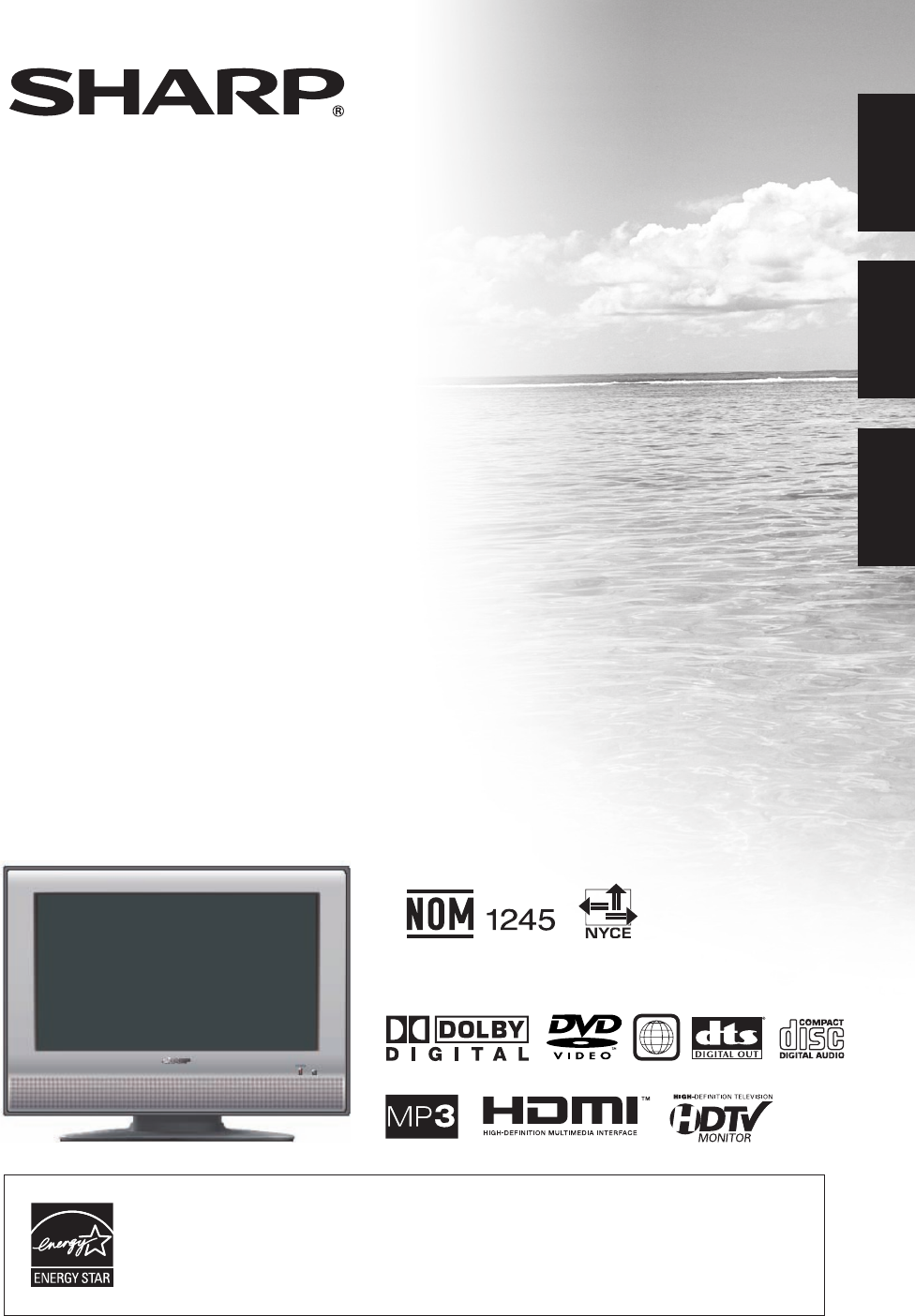
- LC-20DV20U 1
- IMPORTANT INFORMATION 3
- DEAR SHARP CUSTOMER 4
- IMPORTANT SAFETY INSTRUCTIONS 4
- Title/Chapter/Track 6
- Handling discs 7
- Supplied accessories 8
- QUICK REFERENCE 8
- Contents 10
- Part names 11
- Remote control unit 12
- Preparation 13
- Watching TV 14
- Initial setup 15
- Setting MTS/SAP stereo mode 16
- Setting surround sound 16
- Basic adjustment settings 17
- Picture adjustments 18
- Color temperature 18
- Cinema mode 18
- Back lighting 18
- Sound adjustment 19
- Labeling channels 19
- Using external equipment 20
- Connecting HDMI equipment 21
- Using digital audio output 21
- Useful adjustment settings 22
- View mode for 4:3 programs 23
- View mode for HD programs 23
- Picture scroll 23
- Closed captions 24
- Parental control (V-CHIP) 26
- Viewing an image from a PC 28
- Displaying an image from a PC 28
- PC compatibility chart 29
- Watching the DVD 30
- Playback procedure 31
- Status display of disc 31
- Special playback 32
- Locating desired scene 32
- Repeat playback 33
- A-B Repeat playback 33
- Marking desired scenes 33
- Program playback (only CD) 34
- Random playback (only CD) 34
- Changing angles 34
- Title selection 34
- DVD menu 34
- 'PI 35
- MP3/WMA/JPEG CD playback 36
- MP3/WMA CD playback 37
- JPEG CD playback 37
- About fi le menu 37
- Setting the JPEG interval 38
- Setting the select fi les 38
- Function setup 39
- Setting the language 40
- /Setup/Return 41
- Parental control setting 42
- To change the parental level 42
- Appendix 44
- Troubleshooting 45
- Troubleshooting-PC mode 45
- Troubleshooting-DVD 46
- Specifi cations 47
- CLEARING THE PASSWORD 48
- Calling for Service 49
- LIMITED WARRANTY 49
- Unit: inch/(mm) 51
Podsumowanie treści
J5X20431A SH 06/05 NSHARP ELECTRONICS CORPORATIONSharp Plaza, Mahwah, New Jersey 07430-2135SHARP CORPORATIONPrinted in ThailandImprimé en ThaïlandeImp
9IMPORTANT INFORMATION ... 2Trademarks ... 2DEAR SHARP CUST
10PLAY STOP SKIP EJECTPLAY STOP SKIP EJECTPart namesPOWER buttonTV/DVD (Front)Channel buttons (CH / ) Volume buttons (VOL–/+) INPUT buttonPOWER indi
1 3 6542 222314 15 16181917202126252930312728111213910782411Part names1 POWER: Switch the power on or enters standby mode. (See page 13.)2 0 – 9: Set
12 F-type connector should be fi nger- tightened only.When connecting the RF cable to the TV set, do nottighten F-type connector with tools. If to
13Changing channelsYou can change channels in several ways. Simple operations for watching a TV programPOWER indicatorTurning on the powerPress POWER
141SETUPLANGUAGE ENGLISHCLOCK SET 12:00AMAIR/CABLE CABLEAUTO CH MEMORYADD/DELETE ADD :SELECT :ADJUSTChannel searchAUTO CHANNEL MEMORY makes the T
15AUDIOMTS STR/SAP/MONOBASS 25TREBLE 25BALANCE 0SURROUND OFFHDMI HDMIRESET ► :SELECT :ADJUSTAUDIOMTS STEREOBASS 25TREBLE 25BALANCE 0SURRO
16PICTURESETUPAUDIOOPTIONLOCKS :SELECT :ADJUSTENTER:SET EXIT:END Menu itemsList of menu items to help you with operationsBasic adjustment s
17Basic adjustment settingsPICTUREAV MODE STANDARDBRIGHTNESS 25CONTRAST 40COLOR 25TINT 0SHARPNESS 25 :SELECT :ADJUSTPicture adjustmentsAdjusts t
18Sound adjustmentYou can adjust the sound quality to your preference with the following settings.Basic adjustment settingsPress / to adjust the it
TO REDUCE THE RISK OF FIRE OR ELECTRIC SHOCK, DO NOT EXPOSE THIS PRODUCT TO RAIN OR MOISTURE.WARNING: The lightning flash with arrow-head symbol, with
19SOURCE SELECTION0. TV 1. INPUT12. INPUT23. INPUT34. INPUT45. INPUT5 [0-5] : SELECTYou can connect many types of external equipment to your TV/DVD li
20Connecting HDMI equipmentYou can use the INPUT4 terminal when connecting HDMI equipment.HDMI cable (Commercially available)Using external equipment
21PICTUREAV MODE STANDARD SPORTS/STANDARD/MOVIE/MEMORYBRIGHTNESS 25CONTRAST 40COLOR 25TINT 0SHARPNESS 25 :SELECT :ADJUSTUseful adjustment settin
22VIEW MODE0. SIDE BAR1. S.STRETCH2. ZOOM3. STRETCH[0-3]:SELECTUseful adjustment settingsPress 0–3 to select each view mode directly while the View m
23SETUPCLOSED CAPTION OFF C1/C2/T1/T2/OFFVIEW MODEPICTURE SCROLLCINEMA MODE FILMASPECT ONBACK LIGHTING 16 :SELECT :ADJUST6Press / to select
24LOCKSCONFIRM PASSWORD[0-9]:SELECT ENTER:SET EXIT:ENDLOCKSNEW PASSWORD ----[0-9]:SELECT ENTER:SET EXIT:END3LOCKSV-CHIP SET V-CHIP OFF TV
25Parental control (V-CHIP)V-CHIP is an electronic fi ltering device built into your TV/DVD. This tool gives parents a great degree of control over bro
26LOCKSV-CHIP SET V-CHIP ON/ OFF TV-RATING OFF MOVIE RATING OFFNEW PASSWORD ► :SELECT :ADJUSTInput the 4-digit password by using
27Connecting a PC (Personal computer)Viewing an image from a PCUse the INPUT5 (PC) terminals to connect a PC.NOTE• The PC input terminals are DDC1/2B
28Selected Item DescriptionBASSPress or to adjust the bass sound.TREBLEPress or to adjust the treble sound.BALANCEPress or to obtain an equa
IMPORTANT INFORMATION• “DTS” and “DTS Digital Out” are trademarks of Digital Theater Systems, Inc.INFORMATION: This equipment has been tested and fou
29POWER indicatorPOWERSimple operations for watching a DVD.POWER (On/Standby)Turning on the powerPress POWER on the TV/DVD, or POWER on the remote con
30Playback procedurePlace the disc in the disc slot with the label side facing forward. (If the disc has a label.) Hold the disc without touching its
31Special playbackFast Forward PlaybackPress FWD during normal playback.Each press of FWD will increase the speed of the search XX (x 2), XXX (x 4), X
32Press PLAY MODE during playback or stop mode.Press ENTER to select “Chapter” or “Title”.• In case of Audio-CD, fi rst press X to select “Repeat” an
33Program playback (only CD)You can arrange the order of tracks on the disc.Press PLAY MODE in the stop mode.Press / to select “Play Mode”, then pre
34Changing soundtrack languageYou can select the language when you play a multilingual disc.Press AUDIO during playback.The current soundtrack langua
35This TV/DVD can playback the MP3/WMA/JPEG-data which has been recorded on CD-R or CD-RW. To produce the MP3/WMA/JPEG-data, you need a Windows-PC wit
36MP3/WMA/JPEG CD playbackMP3/WMA CD playbackLoad a disc on which MP3 or WMA fi les have been recorded in the disc slot.“Reading” will appear on the T
37MP3/WMA/JPEG CD playbackSetting the JPEG intervalYou can continuously playback all JPEG fi les automatically.Press RETURN to return to the normal scr
38NOTE • You cannot display DVD SETUP screen when disc is playback.Function setupLANGUAGEAUDIOPICTURESETUPMenu itemsList of menu items to help you w
Electricity is used to perform many useful functions, but it can also cause personal injuries and property damage if improperly handled. This product
39Function setupSetting the languageYou can select the language of the disc menu messages of DVDs.The same language can always be selected even if you
40Setting on screen displayOn screen display can be switched on or off when you press the DISPLAY button.Press SETUP and the SETUP screen displays.Pr
41Parental control settingSome discs are specifi ed as not suitable for children. Playback of such discs can be restricted with this TV/DVD.Press SETUP
42Temporary disabling of rating level by DVD discDepending on the DVD disc, the disc may try to temporarily cancel the rating level that you have set
43AppendixLanguage code listEnter the appropriate code number for the initial settings “Menu”, “Subtitle” and/or “Audio” (see page 39).Language NameCo
44Troubleshooting Possible Solution• Is the volume too low? (See page 13.)Cautions regarding use in high and low temperature environmentsAp
45AppendixTroubleshooting-DVD Possible Solution• Turn off the TV/DVD and unplug the AC power cord for several minutes, then replug it.Proble
46Specifi cationsLCD panelNumber of dotsTV FunctionTV-standard (CCIR)Receiving Channel VHF/UHFCATVAudio outTerminalsINPUT 1INPUT 2INPUT 3INPUT 4A
47The password is NOTE• As a precautionary measure, make a note of your password above, cut it from this manual, and keep it in a safe
48Model Specific Section Where to Obtain Service:From a Sharp Authorized Servicer located in the United States. To find the location of the nearest S
4IMPORTANT SAFETY INSTRUCTIONS• Water and Moisture — Do not use this product near water - for example, near a bath tub, wash bowl, kitchen sink, or
4937SH20U_en_j.indd 51 2005/12/14 17:08:515X20431A_E_.indb 495X20431A_E_.indb 49 5/19/2006 6:35:49 PM5/19/2006 6:35:49 PM
1413/16 (376)863/64 (228)261/64 (75)2125/32 (553)1717/32 (445.3)1761/64 (448)157/8 (403)1027/32 (275)125/32 (45)411/32 (110)361/64 (100)9/32 (7)361/64
J5X20431A SH 06/05 NSHARP ELECTRONICS CORPORATIONSharp Plaza, Mahwah, New Jersey 07430-2135SHARP CORPORATIONPrinted in ThailandImprimé en ThaïlandeImp
5CHAPTER 12 ELTIT1 ELTITDVD DISCCHAPTER 2 CHAPTER 2 CHAPTER 3CHAPTER 11ALLIn this unit, use only discs that meet the standard, suchas those bearing th
6Handling discsRemoving the Disc from its caseBe sure to hold the edge of disc. Do not touch the surface of the disc.Pick up the disc gently from the
POWER7Supplied accessoriesMake sure the following accessories are provided with the product.Remote control unit (X1)Page 8 Page 8“AA” size battery (X2
830°30°QUICK REFERENCEIf the remote control fails to operate TV/DVD functions, replace the batteries in the remote control unit.1 Open the battery co
Powiązane produkty i podręczniki dla Odtwarzacze DVD Sharp 20DV20U
 (74 strony)
 (44 strony)
 (106 strony)
 (20 strony) (17 strony)
 (38 strony)
© 2020, manymanuals.pl. Wszelkie prawa zastrzeżone. | 0.070 s |
 Manymanuals.com
 Manymanuals.de
 Manymanuals.fr
 Manymanuals.it
 Manymanuals.pl
 Manymanuals.cz
 Manymanuals.es
 Manymanuals-pt.com
Komentarze do niniejszej Instrukcji