Sharp MX-M362N Instrukcja Użytkownika
Przeglądaj online lub pobierz Instrukcja Użytkownika dla Kopiarki Sharp MX-M362N. SHARP MXM362N Copier printer brochure Instrukcja obsługi
- Strona / 12
- Spis treści
- BOOKMARKI

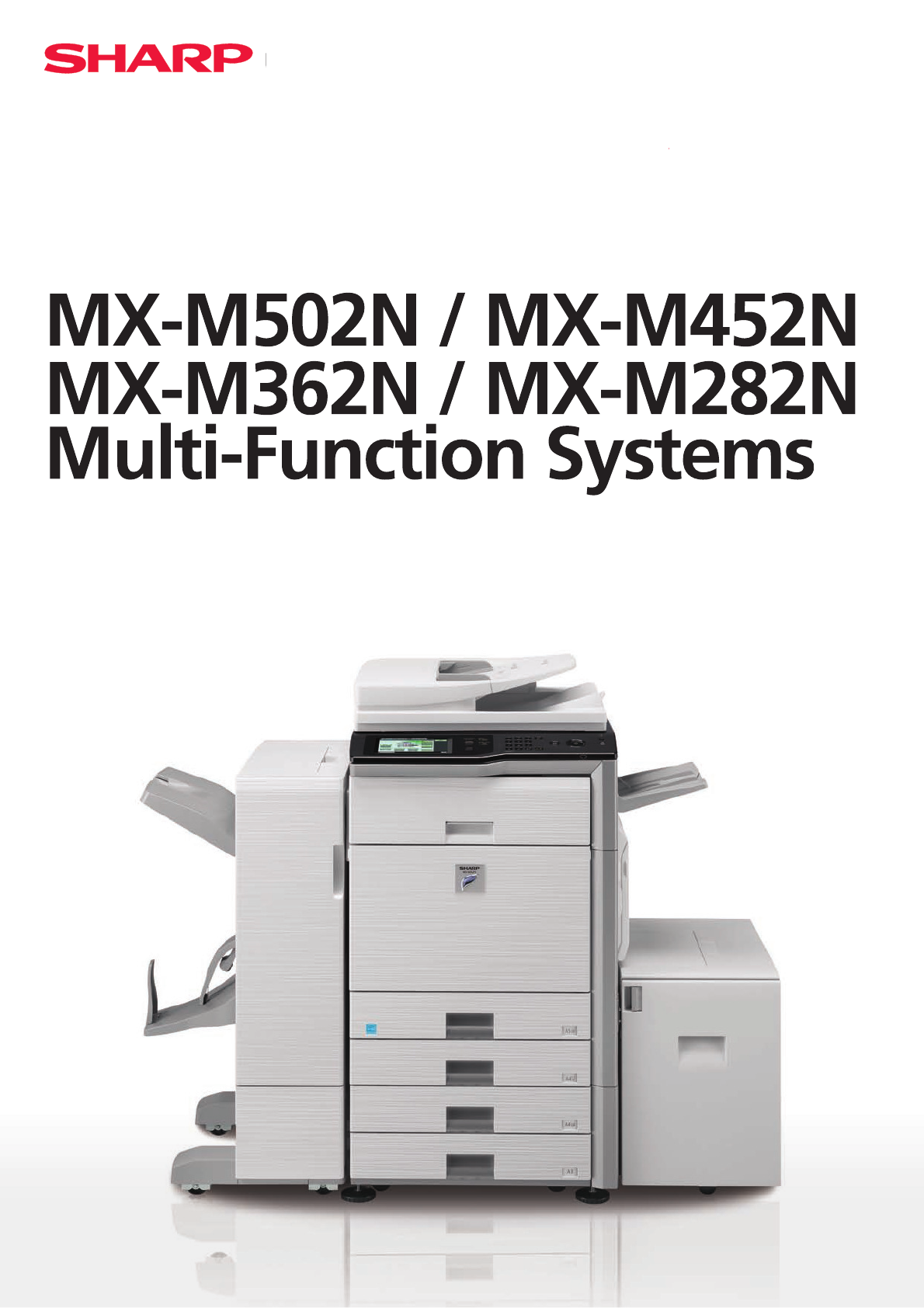
- A3 MFP will help boost your 2
- productivity and efficiency 2
- Capabilities 3
- 600 x 600 dpi 3
- Print Resolution 3
- Powerful 3
- Scanning 3
- and enhance your documents 4
- time after time 5
- are faster and more flexible 6
- is so versatile 7
- / This is Why our management 8
- becoming bigger ones 8
- / This is Why our range of 9
- advanced MFPs are easy to 9
- configure, support and run 9
- security 10
- Printer Finishing options 11
- Specifications 12
Podsumowanie treści
/understands that today’s busy office //environment requires the best possible equipment to help it run smoothly and efficiently/This is Why yyour A3 bl
The MX-M502N, MX-M452N, MX-M362N and MX-M282Nsafeguard sensitive data with powerful encryption technology and advanced security functions that provide
Printer Finishing optionsBase unit 8. MX-DEX9 Stand with 2 x 500 Sheet Paper Drawers !TO"2SHEETSEACHGSMFORLOWERANDU
SpecificationsMX-M502N / MX-M452N MX-M362N / MX-M282NDigital Multifunctional System!TRATEDVOLTAGE-AYVARYDEPENDINGONMACHINECONDITIONSANDO
2Large, Clear 7.0 inch Colour Touch Screen/ This is Why choosing a Sharp A3 MFP will help boost your productivity and efficiency Power and productiv
600 x 600 dpi Print ResolutionMX-M502N / MX-M452N MX-M362N / MX-M282NKey FeaturesHighly productive operations3PEEDYOUTPUTOFMAXPPM
/ This is Why our finishing options help streamline your workload and enhance your documents7ITHFOURPRINTSPEEDSTOCHOOSEFROMPAGESPERMINUT
/ This is Why our MFPs produce effortless, high quality copies, time after time Everything about these latest MFPs has been optimised for speed, effi
6Each of the new MX-M502N, MX-M452N, MX-M362N andMX-M282N MFPs can race through large scanning jobs, handling up to 50 originals per minute whether th
7/ This is Why our fax function is so versatileYou can extend the functionality of the new MFPs even further by specifying the optional fax expansio
Your new Sharp MFP comes complete with everything YOUNEEDTOMANAGEYOURDOCUMENTWORKmOW!N'"integrated hard drive gives you plenty
Like all Sharp MFPs, the MX-M502N, MX-M452N, MX-M362N and MX-M282N are easy to configure and support, and multiple devices can be managed from a singl
Więcej dokumentów dla Kopiarki Sharp MX-M362N

Powiązane produkty i podręczniki dla Kopiarki Sharp MX-M362N
 (48 strony)
 (80 strony)
(92 strony)
(188 strony)
(12 strony)
(116 strony)
(12 strony)
(4 strony)
(31 strony)
(28 strony)
(50 strony)
(12 strony)
(10 strony)
(78 strony)
(12 strony)
(152 strony)
(80 strony)
(92 strony)
(188 strony)
(12 strony)
(116 strony)
(12 strony)
(4 strony)
(31 strony)
(28 strony)
(50 strony)
(12 strony)
(10 strony)
(78 strony)
(12 strony)
(152 strony)
© 2020, manymanuals.pl. Wszelkie prawa zastrzeżone. | 0.044 s |
 Manymanuals.com
 Manymanuals.de
 Manymanuals.fr
 Manymanuals.it
 Manymanuals.pl
 Manymanuals.cz
 Manymanuals.es
 Manymanuals-pt.com
Komentarze do niniejszej Instrukcji