Sharp CD180 Dokumentacja Strona 1
Przeglądaj online lub pobierz Dokumentacja dla odtwarzacze CD Sharp CD180. Sharp CD180 Specifications Instrukcja obsługi
- Strona / 12
- Spis treści
- BOOKMARKI

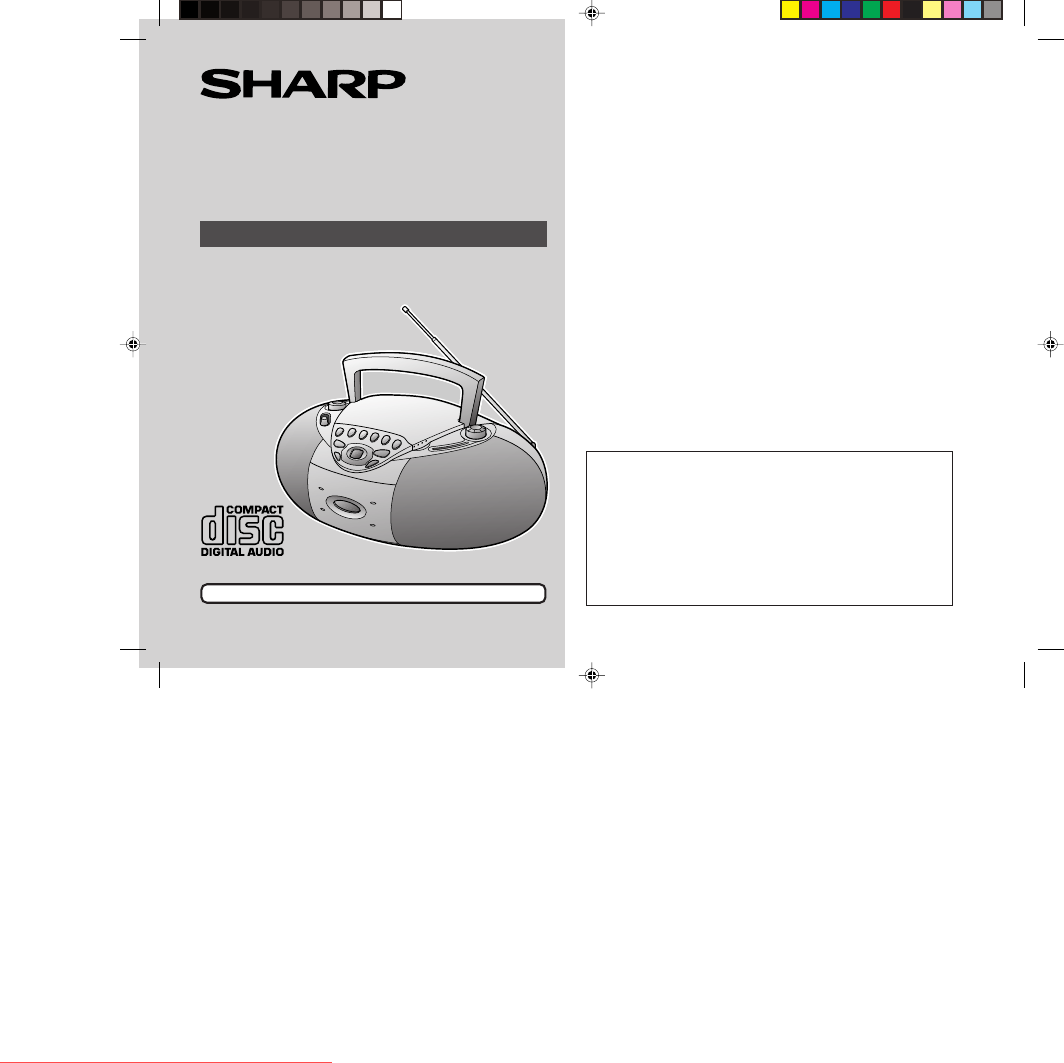
Podsumowanie treści
Thank you for purchasing this SHARP product.To obtain the best performance from this product, please readthis manual carefully. It will guide you in o
10Quick Guide / Guía rápida Operation with AC power Funccionamiento con corriente alterna Operation with batteries Funccionamiento con pilasTo an
11123Advanced CD PlaybackTo stop playbackPress the STOP/EJECT 7button.Para detener lareproducciónPulse el botón STOP/EJECT 7.121352● Load the disc
Printed in ChinaB0011.TOSHARP ELECTRONICS CORPORATIONSharp Plaza, Mahwah, New Jersey 07430-2135SHARP CORPORATIONCONSUMER LIMITED WARRANTYSHARP ELECTRO
2● Do not use oil, solvents, gasoline, paint thinners or insecticides onthe unit.● Do not expose the unit to moisture, to temperatures higher than 140
3Important SafeguardsCAUTIONAll the safety and operating instructions should be read before the appliance isoperated, and should be retained for futur
4Controls and Indicators1234567891011121314 15061617Operation with AC powerNotes:● If the unit will not be used for a long period of time, remove the
51 Set the FUNCTION switch to FM or AM.2 Turn the TUNING control to tune in to the desired station.During FM stereo reception, it automatically switch
6Listening to a CD5 Press the PLAY/PAUSE 0 60 60 60 60 6 button to start playback from track 1.To interrupt playback:Press the PLAY/PAUSE 0 6 button d
71 Set the FUNCTION switch to TAPE.2 Load a cassette into the cassette compartment with the side tobe played facing toward you.3 Press the PLAY 11111
8Recording to a Cassette TapeBefore recording:● When recording important selections, make a preliminary test to en-sure that the desired material is p
9 Cleaning the lens and tape-handling parts● Do not touch the laser pickup lens. If fingerprints or dust accumulateon the pickup, clean it gently wit
Powiązane produkty i podręczniki dla odtwarzacze CD Sharp CD180
 (40 strony)
(28 strony)
(40 strony)
(28 strony)


 (28 strony)
(23 strony)
(40 strony)
(48 strony)
(28 strony)
(23 strony)
(40 strony)
(48 strony)
 (25 strony)
(19 strony)
(45 strony)
(37 strony)
(44 strony)
(25 strony)
(19 strony)
(45 strony)
(37 strony)
(44 strony)

 (61 strony)
(56 strony)
(60 strony)
(59 strony)
(39 strony)
(61 strony)
(56 strony)
(60 strony)
(59 strony)
(39 strony)
© 2020, manymanuals.pl. Wszelkie prawa zastrzeżone. | 0.032 s |
 Manymanuals.com
 Manymanuals.de
 Manymanuals.fr
 Manymanuals.it
 Manymanuals.pl
 Manymanuals.cz
 Manymanuals.es
 Manymanuals-pt.com
Komentarze do niniejszej Instrukcji