Sharp DV-SL10X Instrukcja Naprawy
Przeglądaj online lub pobierz Instrukcja Naprawy dla Odtwarzacze DVD Sharp DV-SL10X. Sharp DV-SL10X Troubleshooting guide Instrukcja obsługi
- Strona / 24
- Spis treści
- BOOKMARKI

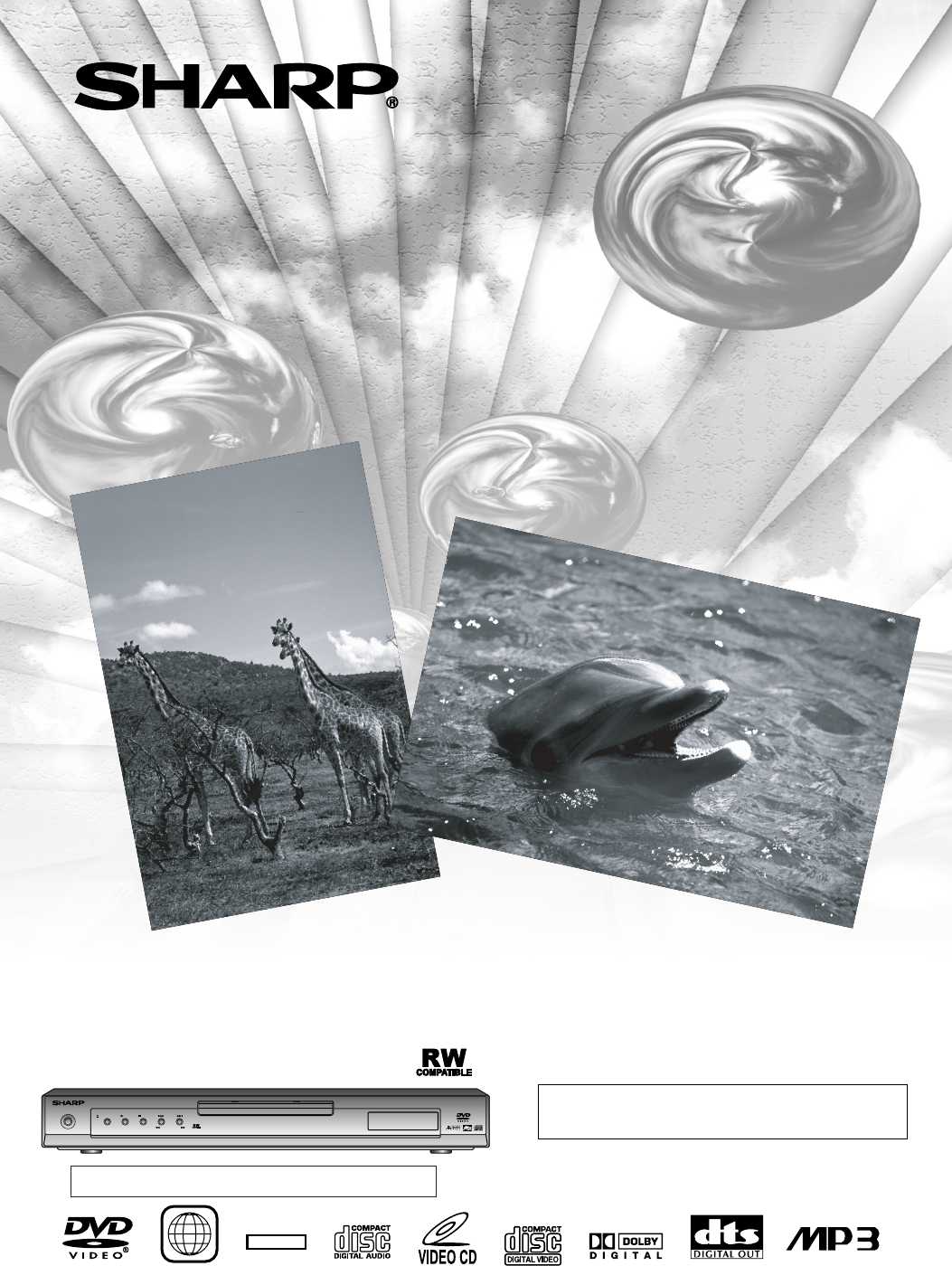
- DV-SL10X 1
- CLASS 1 2
- LASER PRODUCT 2
- SAFETY INFORMATION 3
- FEATURES 4
- ABOUT THE DISCS 6
- Playable Discs 6
- Disc Types 6
- FUNCTIONAL OVERVIEW 7
- CC Analogue audio connection 10
- Playing 2 channel audio 10
- SETTING UP YOUR DVD PLAYER 11
- VCDDVD-RWMP3CDDVD 12
- VCDDVD-RWCDDVD 12
- VCDDVD-RWDVD 13
- DVD-RWVCDCDDVD 13
- DVD-RWDVD 15
- 9/49 0:00:00 -0:00:00 18
- LANGUAGE 20
- AUDIO ORIGINAL 20
- SUBTITLE OFF 20
- DISC MENU ENGLISH 20
- PLAYER MENU ENGLISH 20
- DVD SETUP 21
- TROUBLESHOOTING GUIDE 22
- Problem Solution 22
- Recordable 23
- ReWritable 23
- R)/(CB), 700mVpp 23
- WARRANTY 24
Podsumowanie treści
Please read this Operation Manual carefully before using your DVD Video player.DVD Video PlayerMODELDV-SL10XOPERATION MANUALThe region number for this
–10–ENSETTING UP YOUR DVD PLAYERANALOG INPUTRLDVD PlayerVIDEOCOMPONENTRLYCRCOAXIALOPTICALDIGITALAUDIO OUT VIDEO OUTS-VIDEOCBAUDIO cable(supplied)Ampl
–11–ENCC Digital audio connectionYou can make this connection using either a coaxial digital cable or an optical digital cable.Digital Connection to a
–12–ENDuring playback, press STILL/PAUSE.• Playback will pause and sound will be muted.To continue playback, press PLAY.21VCDDVD-RWMP3CDDVDPause Getti
Press TITLE.• The title menu will appear.If the feature is not available, symbol mayappear on the TV screen.Press Arrow ( L / K / B / s ) to select
–14–ENPLAYING A DISCDuring playback, press FWDgor REVhrepeated-ly to select the required forward or reverse speed: x2, x8,x50, x100.• If you are using
–15–ENPLAYING A DISCPress DIRECT SKIP once for the Chapter search,twice for the Title search during playback.Enter the desired chapter/title number us
–16–ENPLAYING A DISCYou can check the MP3 files during playback.Press ONSCREEN.• The name of the file currently in play will be displayed.Press ONSCRE
–17–ENPLAYING A DISCSome DVD discs contain scenes which have been shotsimultaneously from various angles. You can change thecamera angle when the ( )
–18–ENYou can enjoy stereophonic visual space on your existingstereo system.Press MODE during playback.Press ENTER to set it1(Natural effect),2(Emphas
–19–ENAudio SettingChoose the appropriate settings for best sound reproductiondependent on your externally connected equipment.These settings only aff
–2–ENPower Cord ProtectionTo avoid any malfunctions of the Player, and to protectagainst electric shock, fire or personal injury, please observethe fo
–20–ENYou can change certain aspects of the DVD display screens,on-screen messages and the display panel on the front ofthe DVD player.Press SETUP in
–21–ENDVD SETUPA-BAbkhazian 4748Afar 4747Afrikaans 4752Albanian 6563Amharic 4759Arabic 4764Armenian 5471Assamese 4765Aymara 4771Azerbaijani 4772Bashki
–22–ENTROUBLESHOOTING GUIDEIf the DVD player does not perform properly when operated as instructed in this Operation Manual, check the player, consult
–23–ENCleaning the Cabinet• Use a soft cloth slightly moistened with a mild detergent solution. Do not use a solution containing alcohol, spirits,ammo
9HS0VMN03664E5756AD ★★★★WARRANTYConsumer Electronic ProductsCongratulations on Your Purchase!This Sharp product is warranted against faults in materia
–3–ENLocation and Handling• Do not cover or place the Player in enclosed spaces toprevent excessive temperature build up.• Do not place the Player i
–4–FEATURES¡Dolby Digital sound This player can handle Dolby Digital surround sound hav-ing 5.1 channels when connected to a Dolby Digitaldecoder.¡Sti
–5–ENTABLE OF CONTENTS SAFETY INFORMATION. . . . . . . . . . . . . . . . . . . . . . . . 2 FEATURES . . . . . . . . . . . . . . . . . . . . . . . .
–6 –ENABOUT THE DISCSPlayable DiscsDisc Types[DVD]Data on a DVD is divided into sections called "titles", and theninto subsections called &q
–7–ENVIDEOCOMPONENTRLYCRCOAXIALOPTICALDIGITALAUDIO OUT VIDEO OUTS-VIDEOCB1210 11 1314 1615REAR VIEW243519876OPERATEOPEN/CLOSE PLAY STOP SKIPREV FWDFRO
–8–EN1. Open the battery compartment cover.2. Insert two AA batteries, with each oneoriented correctly.3. Close the cover.NOTES• Do not mix alkaline a
–9–ENCAUTION:• Be sure to turn off the Player and equipment to be connected before connecting.• Read through the operation manual for the equipment
Więcej dokumentów dla Odtwarzacze DVD Sharp DV-SL10X

Powiązane produkty i podręczniki dla Odtwarzacze DVD Sharp DV-SL10X


 (36 strony)
(40 strony)
(36 strony)
(40 strony)
 (74 strony)
(45 strony)
(216 strony)
(74 strony)
(45 strony)
(216 strony)
 (78 strony) (24 strony)
(40 strony)
(65 strony)
(78 strony) (24 strony)
(40 strony)
(65 strony)
 (24 strony) (109 strony)
(100 strony)
(44 strony)
(41 strony)
(24 strony) (109 strony)
(100 strony)
(44 strony)
(41 strony)
© 2020, manymanuals.pl. Wszelkie prawa zastrzeżone. | 0.037 s |
 Manymanuals.com
 Manymanuals.de
 Manymanuals.fr
 Manymanuals.it
 Manymanuals.pl
 Manymanuals.cz
 Manymanuals.es
 Manymanuals-pt.com
Komentarze do niniejszej Instrukcji