Sharp MX-PNX1B Instrukcja Użytkownika
Przeglądaj online lub pobierz Instrukcja Użytkownika dla Kopiarki Sharp MX-PNX1B. MX-4100N | MX-4101N | MX [en] Instrukcja obsługi
- Strona / 12
- Spis treści
- BOOKMARKI

- “Most Secure MFP 1
- Range” Award – 1
- 6th Consecutive Year 1
- MX-4100N/4101N/5001N 2
- ENGINEERED FOR PERFORMANCE 3
- POWERFUL PERFORMANCE 4
- ADVANCED WORKFLOW MANAGEMENT 5
- ICENSING 6
- LEXIBLE DOCUMENT DISTRIBUTION 7
- ADVANCED DEVICE MANAGEMENT 9
- HEIGHTENED SECURITY 10
- ENVIRONMENTALLY FRIENDLY 11
- SPECIFICATIONS 12
Podsumowanie treści
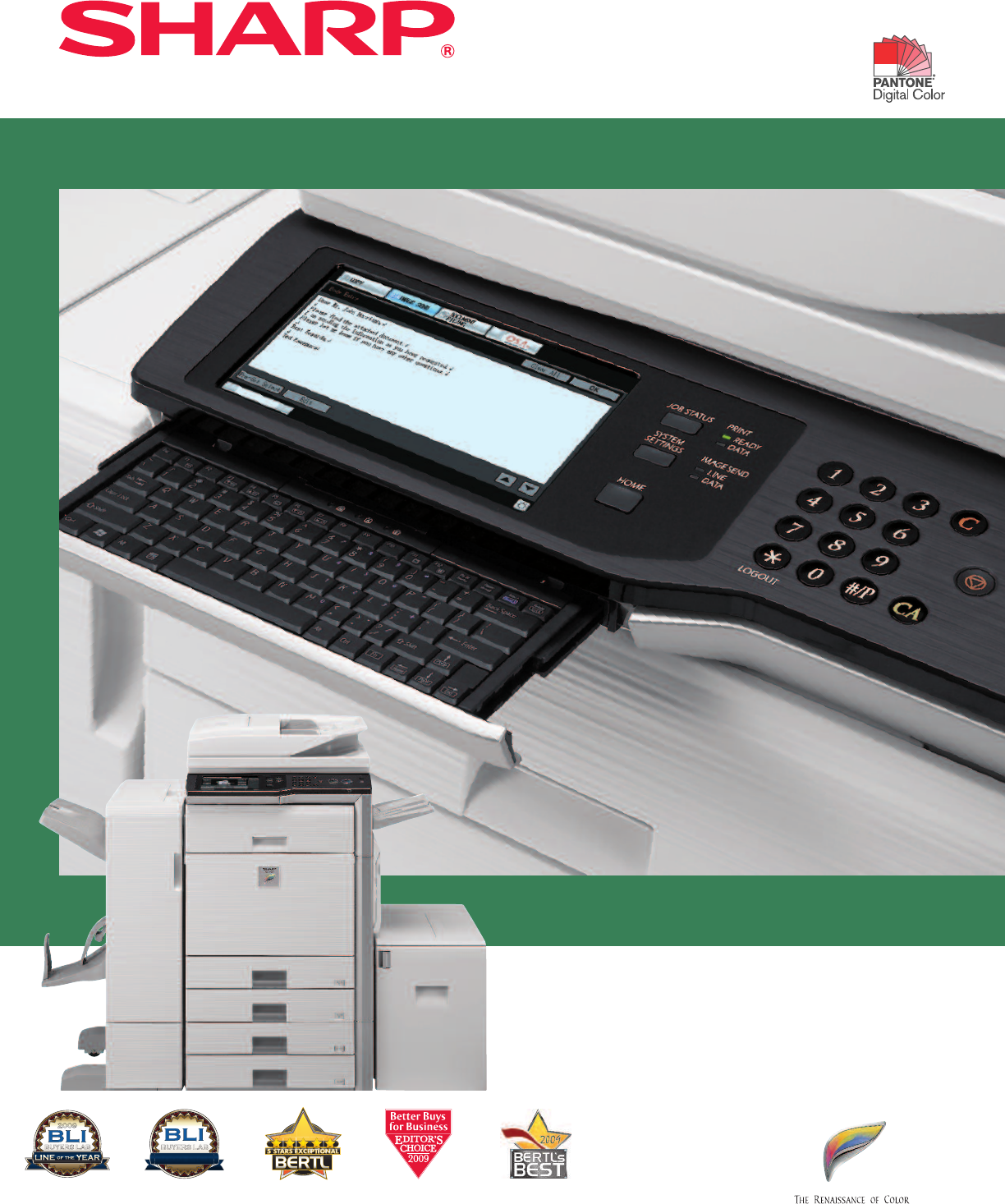
MX-4100NMX-4101NMX-5001NENHANCED PRODUCTIVITY AT YOUR FINGERTIPSBUYERS LAB2009"Line of the Year"Award 2009BUYERS LAB2009 PICK"Pick of t
Innovative document and device protectionhelps ensure confidentialityTo help protect your data, the MX-4100N/4101N/5001N Series offers several layers
Sharp’s ongoing commitment and dedicationto developing eco-friendly document systemsset a high standard for the industryDesigned with a Strong Commitm
MX-4100N/4101N/5001N SPECIFICATIONSMain SpecificationsMX-4100N/4101N/ Includes multi-tasking controller, 80 GB HDD with document filing system,5001N P
Precision engineered to help increase workflow efficiency and provide exceptionalimage quality, Sharp’s MX-4100N/4101N/5001N color document systems ta
Sharp’s MX document systems are fully loadedwith advanced features to help enhanceproductivity and improve document workflow•Powerful 800 MHz true mul
Large 8.5” (diagonally measured), high-resolutiontouch-screen display.Standard retractable keyboard makes data entryquick and easy.POWERFUL PERFORMANC
ADVANCED WORKFLOW MANAGEMENT* Some features require optional equipment..MX-5001N with 4K stackingfinisher and punch unitMX-5001N withsaddle stitch fin
Robust, easy-to-use print drivers helpmaximize document workflow efficiencyin any business environmentExceptional Print Quality with Professional Outp
Sendto FTPSend toUSBSend toDesktopSend toNetwork FolderSendto FaxSend toInternet FaxSend toE-mailFLEXIBLE DOCUMENT DISTRIBUTIONWith today’s fast-movin
GET MORE OUT OF NETWORK APPLICATIONSSharp OSA® technology at a glance• Automate tasks and save time with seamlessintegration between the MX-4100N/4101
Engineered with you in mind, the MX-4100N/4101N/5001N combines easy-to-use integratedsoftware with robust capabilitiesThe Sharp Administration Utility
Więcej dokumentów dla Kopiarki Sharp MX-PNX1B


Powiązane produkty i podręczniki dla Kopiarki Sharp MX-PNX1B
 (16 strony)


 (20 strony)
(57 strony)
(72 strony)
(69 strony)
(12 strony)
(91 strony)
(12 strony)
(12 strony)
(12 strony)
(81 strony)
(84 strony)
(118 strony)
(48 strony)
(16 strony)
(72 strony)
(125 strony)
(20 strony)
(57 strony)
(72 strony)
(69 strony)
(12 strony)
(91 strony)
(12 strony)
(12 strony)
(12 strony)
(81 strony)
(84 strony)
(118 strony)
(48 strony)
(16 strony)
(72 strony)
(125 strony)
© 2020, manymanuals.pl. Wszelkie prawa zastrzeżone. | 0.034 s |
 Manymanuals.com
 Manymanuals.de
 Manymanuals.fr
 Manymanuals.it
 Manymanuals.pl
 Manymanuals.cz
 Manymanuals.es
 Manymanuals-pt.com
Komentarze do niniejszej Instrukcji