Sharp AR-D25 Instrukcja Użytkownika
Przeglądaj online lub pobierz Instrukcja Użytkownika dla Kopiarki Sharp AR-D25. AR-M207 Brochure - Cardinal Business Equipment Systems Instrukcja obsługi
- Strona / 6
- Spis treści
- BOOKMARKI

Podsumowanie treści
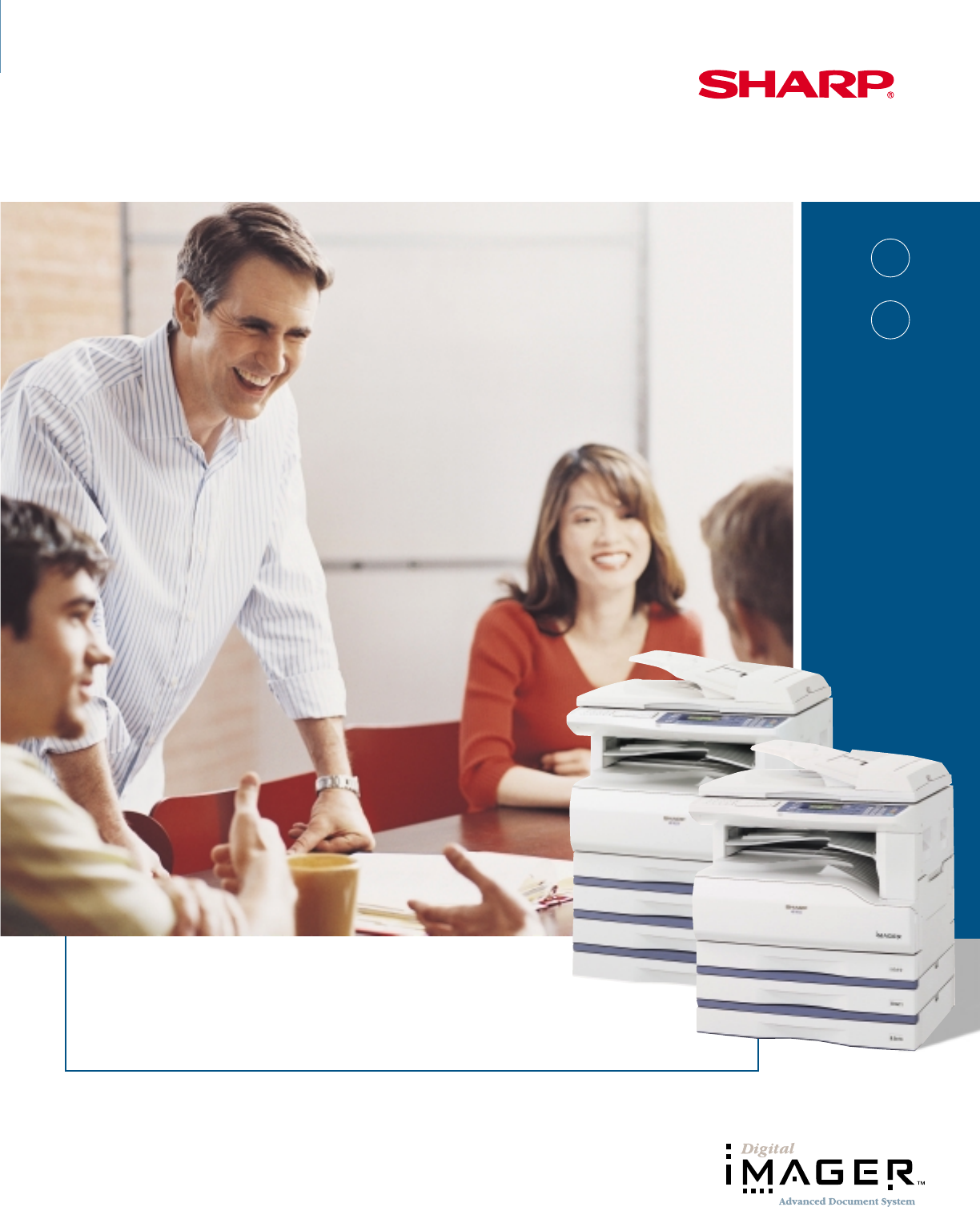
desktop office solutionsAR 162MAR 207MMultifunction desktop IMAGERTMDocument Systems with full color PC scanning
• 5-line LCD display• Versatile paper handlingAR-M162: 350-sheet paper capacity, upgradeable to 850 sheets (with options), includes 100-sheet Bypass T
The Sharp AR-M162 and AR-M207 DigitalIMAGERs™ Document Systems deliver advanced performance for today’s small office — all in a value-driven, multifun
Convenient, built-in color PC scanningSharp leads the industry with ledger-size, full-color PC scanning for on-the-fly versatility. Now there’s no nee
High-quality digital copyingThe AR-M162 and AR-M207 IMAGERs provide severalflexible copy features designed to grow with your business.With speedy outp
General SpecificationsType: AR-M162: Digital simplex copier-based MFP, desktopAR-M207: Digital duplex copier-based MFP, desktopCopy System: Dry electr
Więcej dokumentów dla Kopiarki Sharp AR-D25

Powiązane produkty i podręczniki dla Kopiarki Sharp AR-D25
 (12 strony)
(41 strony)
(100 strony)
(130 strony)
(89 strony)
(187 strony)
(54 strony)
(28 strony)
(98 strony)
(110 strony)
(12 strony)
(80 strony)
(188 strony)
(311 strony)
(148 strony)
(40 strony)
(4 strony)
(12 strony)
(41 strony)
(100 strony)
(130 strony)
(89 strony)
(187 strony)
(54 strony)
(28 strony)
(98 strony)
(110 strony)
(12 strony)
(80 strony)
(188 strony)
(311 strony)
(148 strony)
(40 strony)
(4 strony)
© 2020, manymanuals.pl. Wszelkie prawa zastrzeżone. | 0.029 s |
 Manymanuals.com
 Manymanuals.de
 Manymanuals.fr
 Manymanuals.it
 Manymanuals.pl
 Manymanuals.cz
 Manymanuals.es
 Manymanuals-pt.com
Komentarze do niniejszej Instrukcji